Axiom.ai v5.2: Brand new desktop application
This release is a stepping stone to a fully agentic way of building browser bots.
To get there, we have been building an MCP server. In a future release, an agent inside the builder will use it to create your bots, drive the browser, grab selectors and fix errors.
For this release we have bundled the MCP server into the desktop app. You activate it with your axiom.ai API key, which gives you far more control from Claude. You can trigger the Step API to pull data from a site, or extract selectors to help build an automation.
The MCP server is not the only change. We rebuilt the desktop app from scratch. The old one was hard to add features to and hard to publish across Mac, Linux and Windows. The new setup fixes that, so we can move faster on the app from here.
Users also asked for a way to trigger the desktop app over the API. You can do that now.
Read on for the detail on what we have shipped.
Brand new desktop app with MCP
The new desktop app now comes with an MCP server and the ability to trigger runs with webhooks. We recommend all users upgrade straight away.
Through the MCP server, an agent can do some cool things:
- Build automations on your behalf.
- Use the Step API to extract HTML, generate selectors, and read form elements from a page.
- Trigger runs and monitor the results.
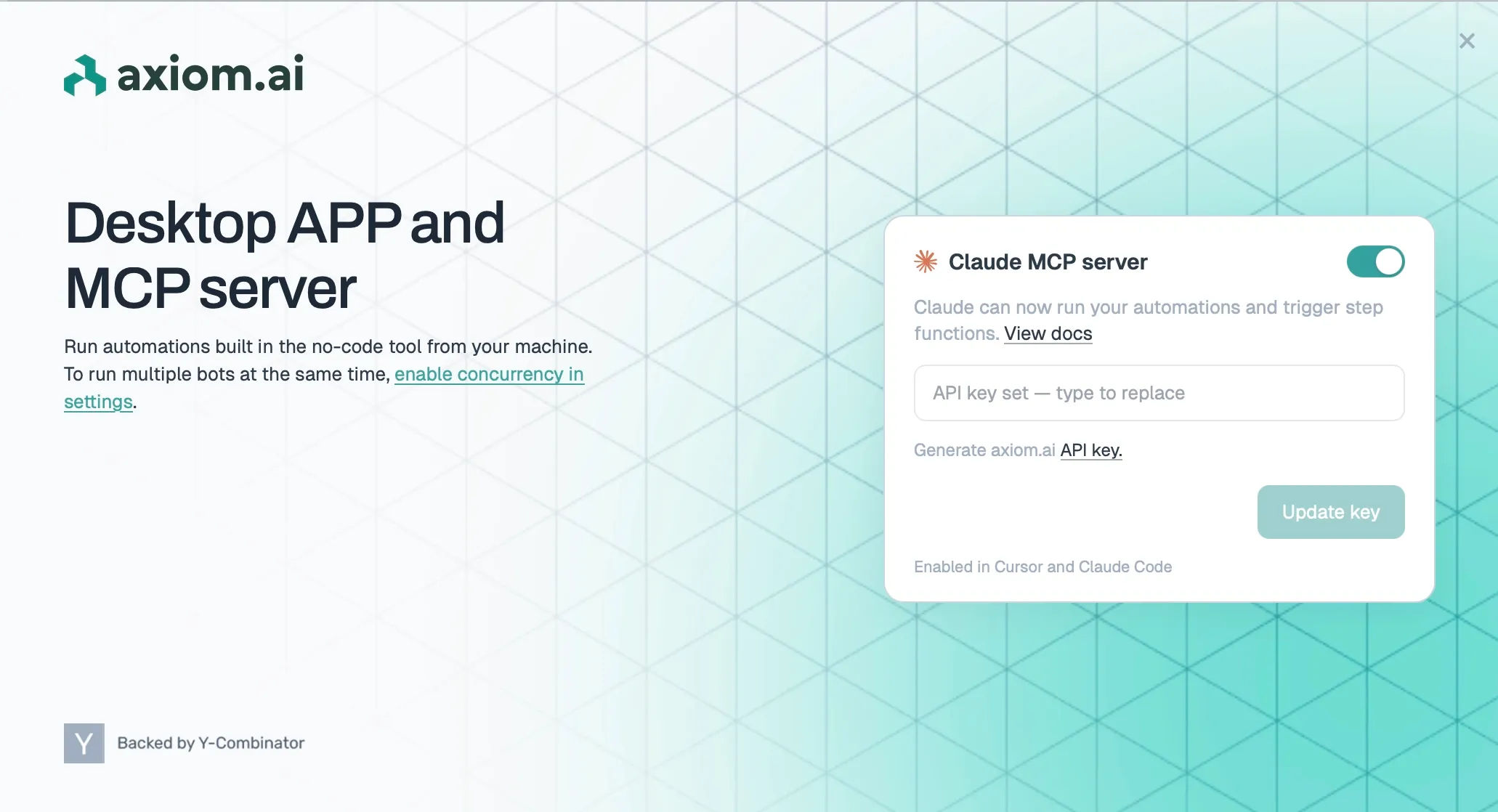
Please ensure the old desktop app is deleted, see instructions.
Updated Claude Skill with MCP
We have also updated our Claude skill to incorporate the new MCP features. When building no-code automations, Claude will now be able to access the desktop MCP server. Now Claude will be able to not only assemble the automation but configure it with selectors and test that it's working. A major step forward to a full agentic user experience.
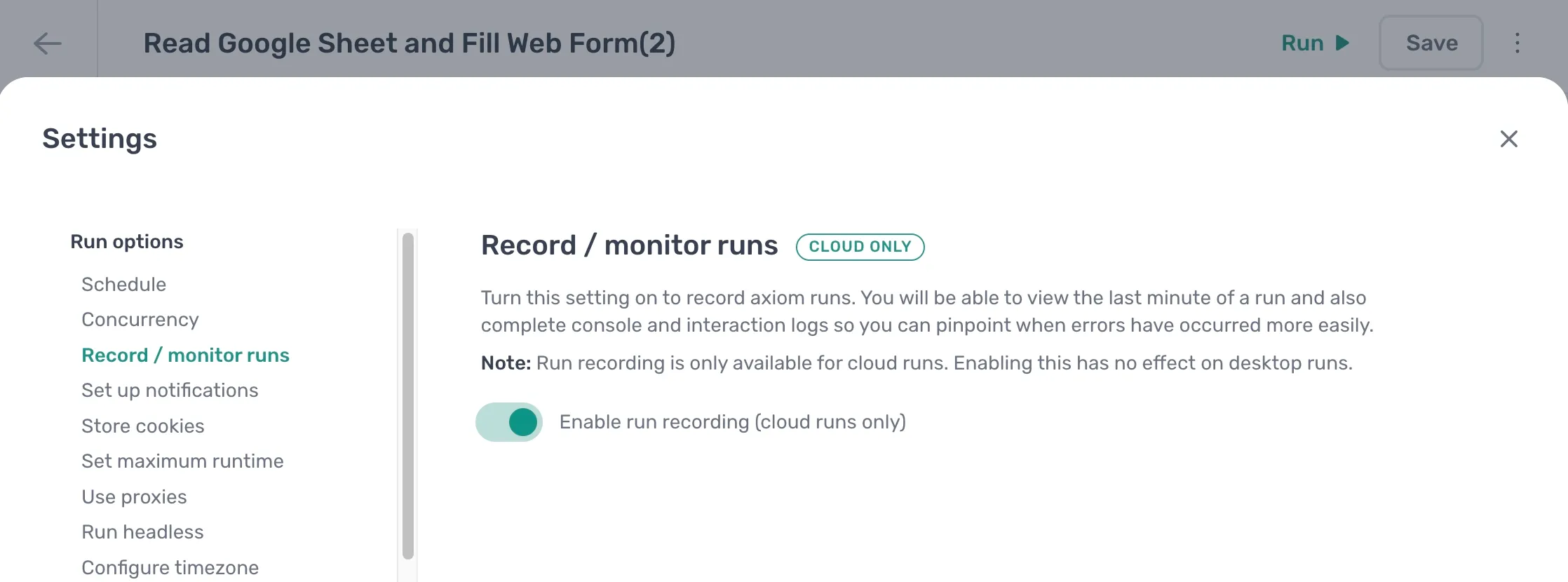
Make run recorder available from Pro tier upwards
Previously axiom.ai runs could only be recorded for users on the Ultimate tier, now Pro tier users get the same run recording functionality.
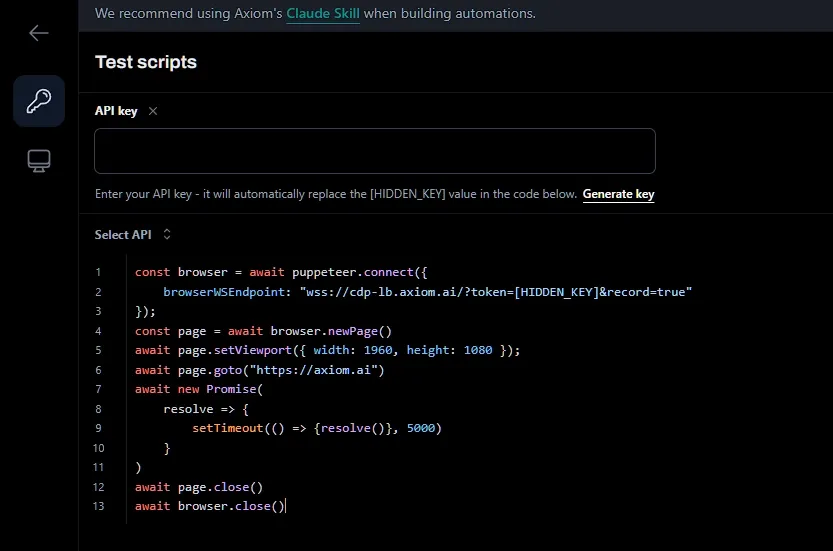
Run recorder release on code tool
We have also released the recorder to the code tool, allowing users to record their runs simply by adding a line of code to their build.
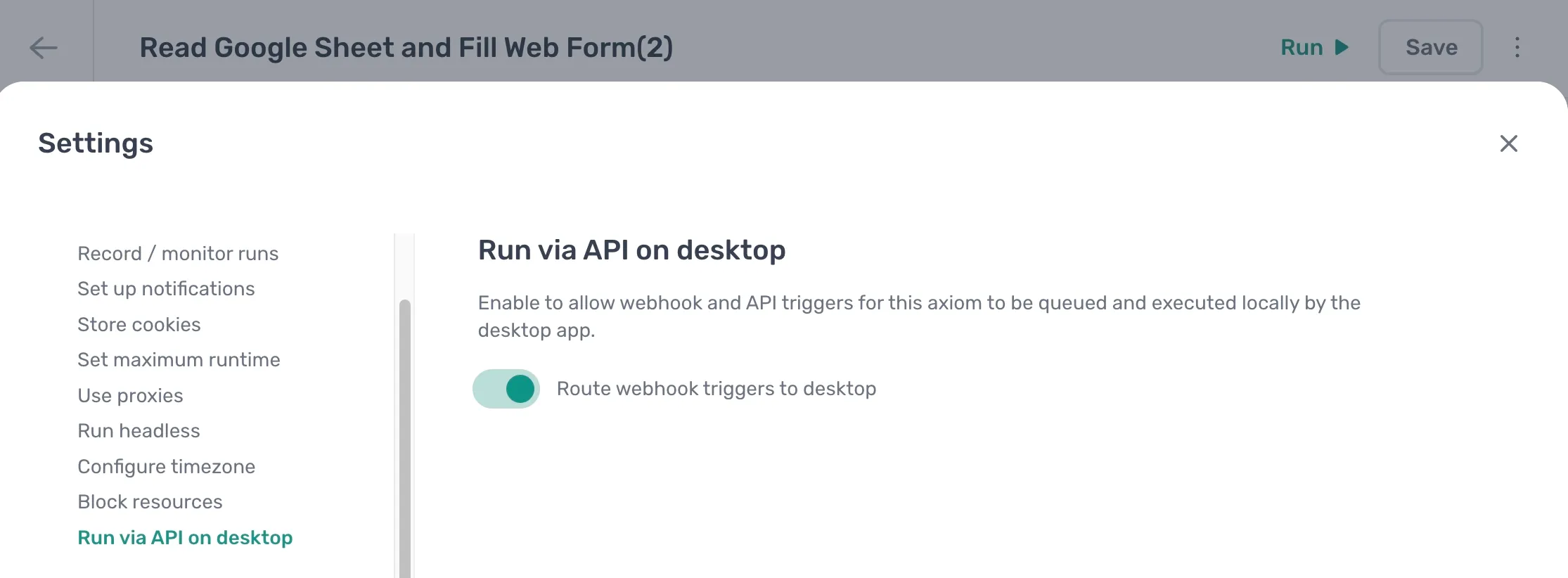
Trigger Desktop App with a Webhook
A much requested feature by users that is now possible with the rebuild of the desktop app. The old Google Sheet workaround will still work, but now you can run on your own desktop app from an external webhook or API call, instead of the cloud. See Run via API on desktop
Requires the desktop app open for the run to be started.
Coming next full agentic build and configure
In our next release we will be shipping full agentic build and configure from within the no-code app. We will be shipping a new version of axiom.ai incorporating an agent and harness that can fully create your automations from scaffold to build. After that we will be further updating the desktop app and shipping an agent to solve issues live during the run.
Minor Fixes
- New password reset form
- Allow selecting whole row in loop tokens
- VNC watch windows to watch cloud runs should open correctly when multiple tabs are open