Installation
The axiom.ai Chrome extension lets you build automations and run them on cloud infrastructure. Optionally, install the desktop application to run automations locally. The extension is required either way.
Install the Chrome extension
To install the extension, open the axiom.ai listing on the Chrome Web Store and click Add to Chrome.
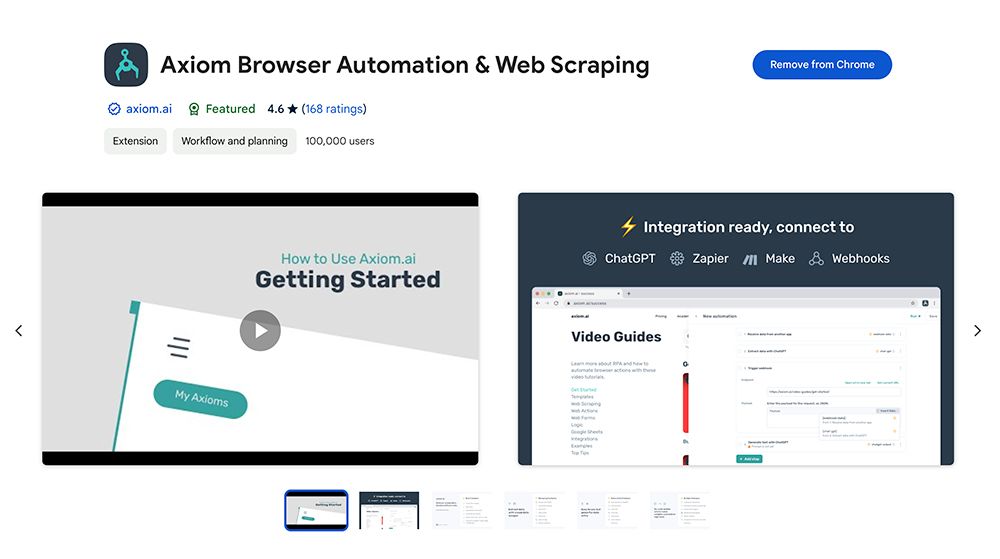
Set up the extension
- Click Add to Chrome to install the extension.
- Click the jigsaw icon in the Chrome toolbar, then click the pin icon to keep axiom.ai visible.
- Click the axiom.ai icon to open the extension.
Permissions
The axiom.ai Chrome extension requests permission to read and change all sites you visit. This is required to display the extension window inside web pages and to run your automations. axiom.ai does not collect data from the sites you visit.
You can restrict this permission to specific sites in Chrome's extension settings, but axiom.ai may not work as expected.
Install the desktop application
The desktop application is an optional companion to the Chrome extension. It lets your automations run locally and use local files. The extension is still required to build and run automations.
To install it, head to the downloads page and follow the instructions for your operating system. The application needs to be active to run automations, but it doesn't need to be open in a window.
Note: Automations run locally count towards your overall runtime.