Dashboard
The Code Dashboard is your hub for running scripts on axiom.ai's cloud. From here you can navigate to the Live editor, view run reports, manage settings, and check your remaining runtime.
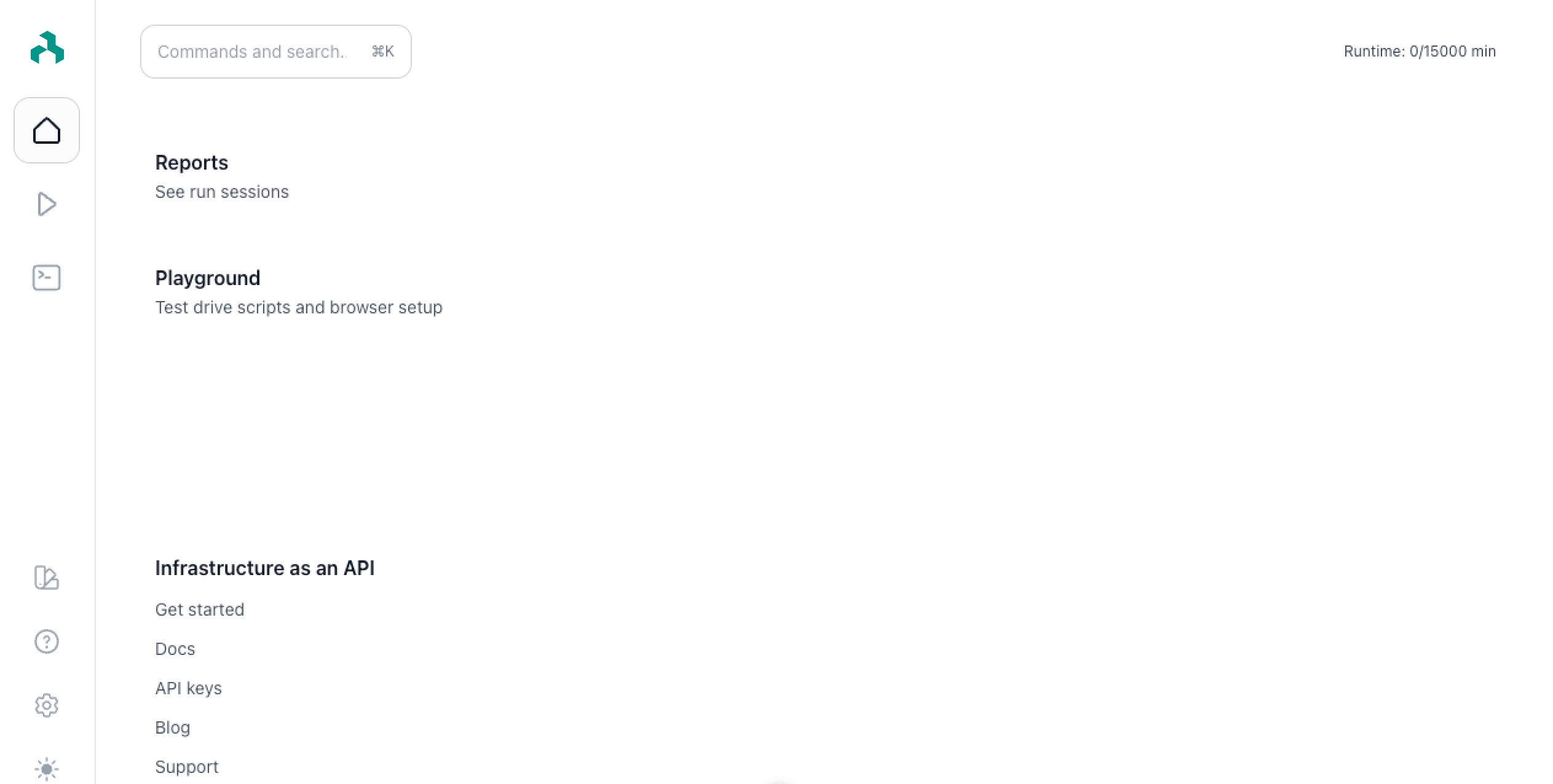
Navigation
The left navigation has the following items:
- Home. The default landing tab when you sign in.
- Run reports. Lists your recent run reports. For details, see run reports.
- Live editor. Test and run scripts in the web app. See Live editor.
- Settings. Account and API key settings. See generate an API key.
- Color theme. Toggle dark mode for the dashboard.
Runtime
Your remaining runtime appears at the top-left of the dashboard, shown as used minutes / total minutes. Runtime resets at the start of each billing period; it doesn't carry over.