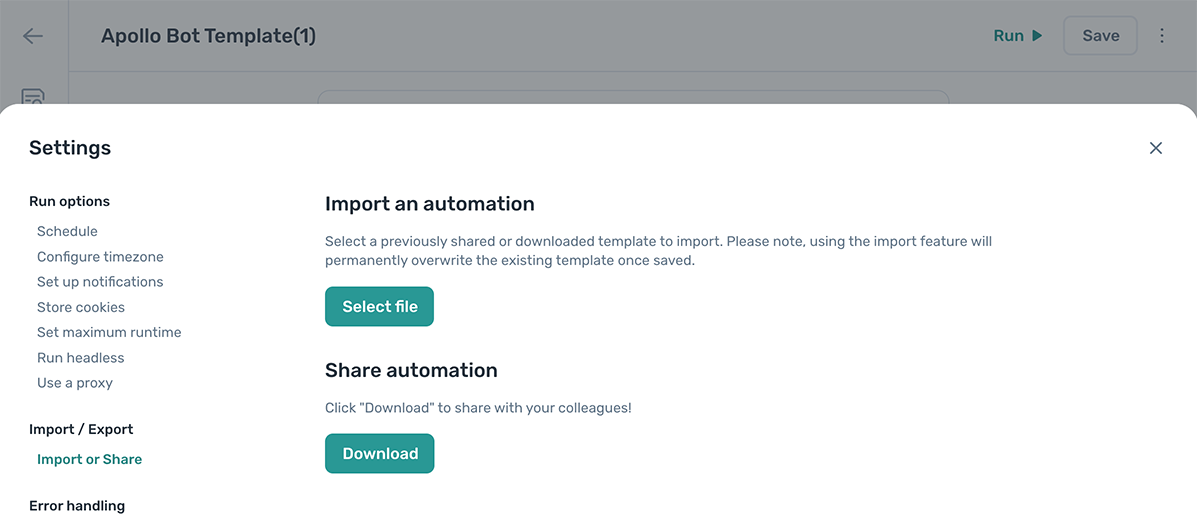
Share an automation
Every axiom.ai user can download an automation as a template file and share it. Use this to send a copy to our support team if you need help, or to share working automations with other users.
Download an automation to share
Downloading takes a few seconds. Once you have the file, you can share it however you choose. To start, open the automation you want to share in the Builder.
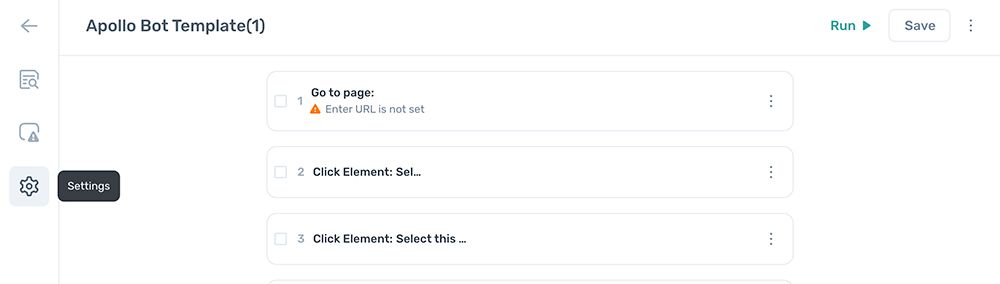
- Click the gear icon in the vertical sidebar on the left of the Builder. Or click the kebab menu in the top right and choose Settings.
- In Settings, click Import or download.
- Under Share automation, click Download.