Configure timezone
By default, scheduled automations run in the cloud on UTC. Use the timezone option to run them on your local timezone instead.
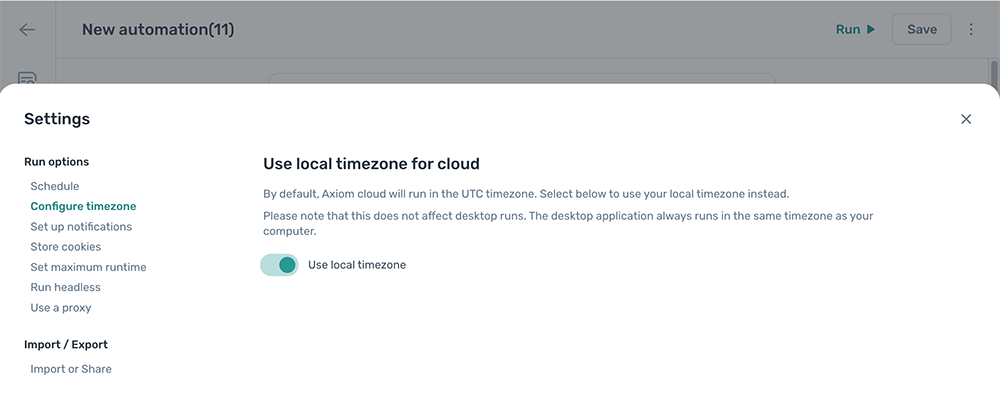
Configure the timezone
- Open the automation and click the Cog icon in the toolbar on the left.
- Open the Configure timezone section.
- Pick the timezone the schedule should use.
Note: This setting only affects cloud runs. Desktop runs always use the local timezone of the computer they're running on.