Interact with iframes
By default, axiom.ai ignores iframes (embedded frames within a page) when scraping or clicking. Iframes are usually unnecessary for the task and can introduce inconsistencies if the automation reaches into them by accident. Enable iframe support when you need to interact with content inside an iframe.
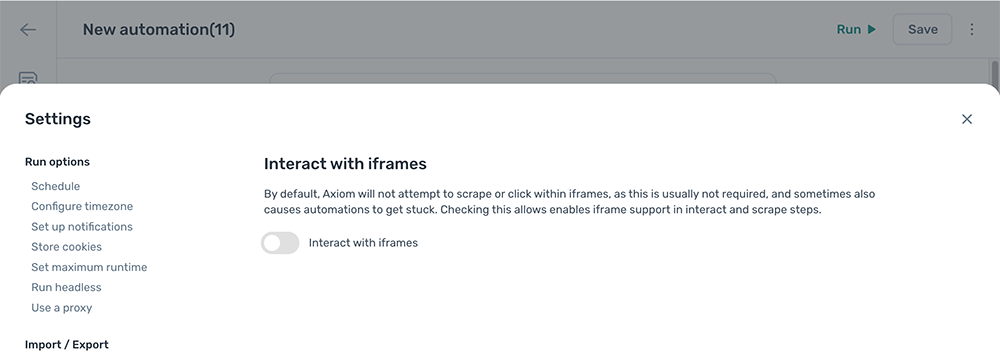
Enable iframe support
- Open the automation and click the Cog icon in the toolbar on the left.
- Open the Interact with iframes section under Error handling.
- Toggle
Interact with iframeson.