Continue on error
By default, axiom.ai stops an automation as soon as a step throws an error. This protects against unexpected side effects, like writing partial data to a Google Sheet. The continue on error option overrides that behaviour and lets the automation keep running through errors.
Note: When
Continue on erroris enabled, every run reports as successful at the end, regardless of how many errors occurred. Errors appear as warnings in run reports. Don't use this setting on automations where it matters whether a run actually succeeded.
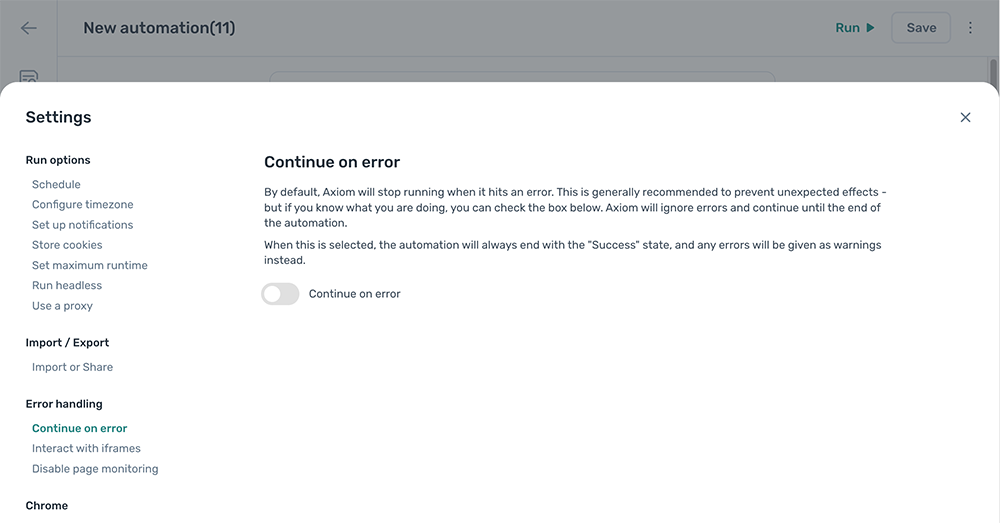
Enable Continue on error
- Open the automation and click the Cog icon in the toolbar on the left.
- Open the Continue on error section under Error handling.
- Toggle
Continue on erroron.