Disable page monitoring
By default, axiom.ai watches the page for changes and only continues to the next step once the page has finished loading. This makes automations more reliable, but in rare cases it can slow them down significantly. Disable page monitoring when you've confirmed the wait is unnecessary and the automation is being held back by it.
Warning: Disabling page monitoring can make an automation less reliable. Test thoroughly after changing this setting; if a page is still loading when the next step runs, that step may fail or pick up incomplete data.
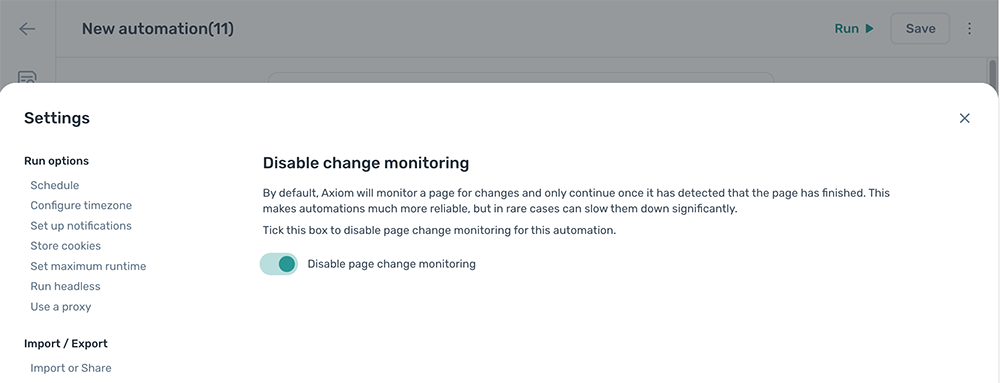
Disable page monitoring
- Open the automation and click the Cog icon in the toolbar on the left.
- Open the Disable page monitoring section under Error handling.
- Toggle
Disable page monitoringon.