Backed by
Combinator
Run automations on your own Chrome, with your saved logins and your local network. The data your bots process never leaves the device.
Backed by
Combinator
Total bots run
Total runtime
Total users
New desktop app
The latest desktop app runs as an MCP server and accepts inbound webhooks, so bots on your own machine can now be started by things outside it. Smaller download, same macOS, Windows, and Linux.
Point Claude, Cursor, or any MCP client at the app and it can list the bots on your account, start one, and read what came back. The agent sends instructions, your machine does the browsing.
The Step API functions are exposed too, so an agent can scrape a table, fill a form, or read a page with no bot existing first. Prebuilt browser functions, called live, one at a time.
Fire a local bot with an HTTP request from your backend, a form, or a scheduler. The trigger arrives from outside; the browser, the logins, and the data stay on the device.
The axiom Claude skill uses the MCP while it writes, opening the real site and pulling the selectors it needs off the live DOM. What comes out is a working automation rather than a guess at the markup.
How it works
Run bots on your computer, a server, or a VPN, on Linux, Mac, or PC. In the privacy of your own network, fully configurable to your needs.
Get the Chrome extensionStep 1
axiom is a no-code tool for automating the browser, made for non-coders and coders alike. Add it to Chrome to get started.
Add to ChromeStep 2
Install the desktop app and manage several installs from a single account. Test locally on your machine, then set a bot to run on a VPN with the app installed.
Install the desktop appStep 3
Once you are set up, build your bot. The no-code Chrome extension lets you point at elements, add steps, and run, without writing a line of code.
Build with no-code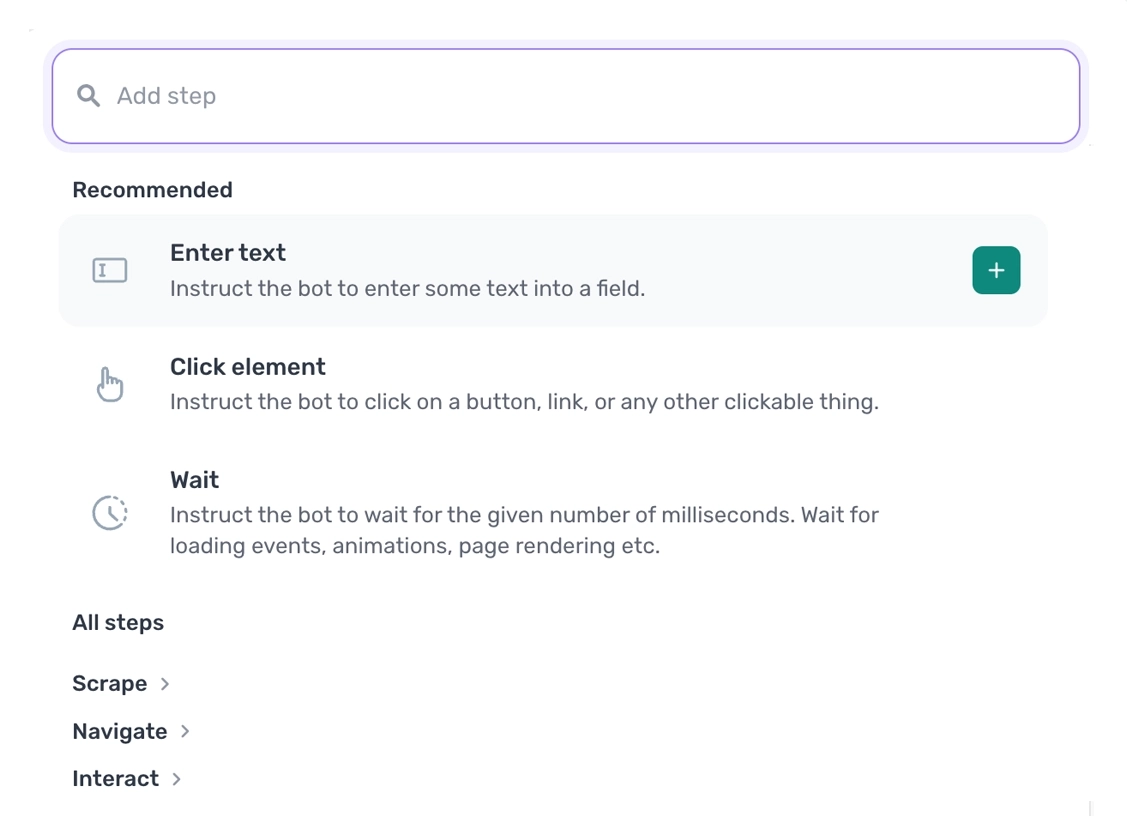
Step 4
Once you have tested it by hand, run it or set it on a schedule. Bots run concurrently, limited only by your hardware.
Scheduling docs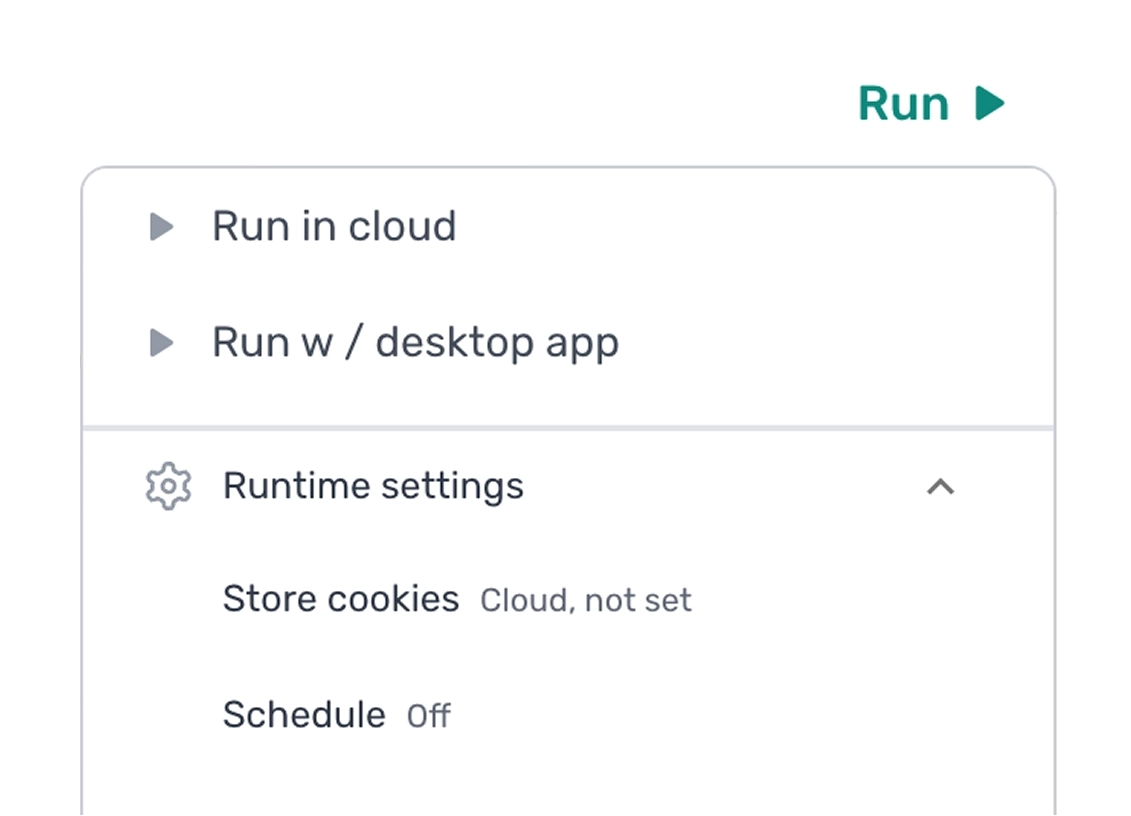
Privacy
On the desktop runner everything happens locally. The data your bots see, store, and produce stays on your device, we don't share it, and we don't use it to train AI.
Bots run inside the desktop app on your machine, using your own Chrome. Page contents, cookies, sessions, downloaded files, and run outputs never leave the device. axiom only receives runtime metadata: the user, the bot name, and when each run starts and ends. For no-code bots we also store the steps and settings that define the automation, never the data it processes.
Because runs happen locally, the data your bots process is never sent to us, our partners, or any product feature. We can't access it without your explicit permission and we won't ask unless you request help with a specific issue, in which case access is short-lived and scoped to what you share.
Nothing the desktop runner touches is used to train any model. The one exception is AI steps you add yourself: those send data to the provider you pick under their terms, not ours. They're optional, never on by default, so check your provider's policy before using one.
Settings
Scheduling, proxies, profiles, bot detection bypass, concurrency. The runtime settings you actually need, configured once per bot.
See settingsObservability
Which one?
There's no wrong answer. You can of course use both!
Read more about cloud
Platform
Free to install. No card to start.
Pricing
Runtime is based on a monthly subscription. Each month the count resets, runtime is not carried over. All new users get a one-off 90 minutes of free runtime to try the tool out.
FAQ
Common questions about no-code, code, AI, and running automations on the desktop app.
See FAQYes. You can schedule your automations to run locally on the desktop instead of in the cloud, as often as every minute. Scheduling requires a Pro tier subscription or higher.
Yes. Runs on the desktop app count toward your monthly runtime, just like cloud runs. The single-run limit that caps cloud runs doesn't apply on the desktop, so a single desktop automation can run for as long as you need.
No, the desktop app is not HIPAA compliant. However, because the desktop runner processes everything locally, no data ever leaves your computer or network, so we never handle, process, or touch your customer data. That means if you run the desktop app inside your own HIPAA-compliant network, you can use axiom.ai in a HIPAA-compliant way. We don't sign Business Associate Agreements (BAAs), because no protected health information ever reaches us in the first place.
Not yet. You can't currently trigger the desktop app via the API. This feature is in development, so check in with customer support for availability.
Yes. You can run more than one desktop app, but each one needs to be installed on a separate computer. They can share the same account for manual runs. If you schedule local runs on more than one machine, each install needs its own account. See advanced running methods for the full setup.
It shares usage data, not the data being processed in a run. This includes details like the axiom.ai user, the automation name, the run start and end times, and run reports including any errors.
Yes, but only you can make that happen. If you add steps in the No-Code Tool that send data externally, for example a webhook step that posts run data to another service, or an AI step that processes your data during a run, then that data leaves the desktop. These steps are never set up by default. You have to add them yourself.
No. The AI assistant is only present in the Chrome extension. It is not present during runtime on the desktop app, so it has no access to the data your automations process there.
No. It's a feature in development. Reach out for availability.
Browser infrastructure, ready when you are.
Free to install. Free to try a cloud run. No card to start. Move to a paid tier when your workload does.