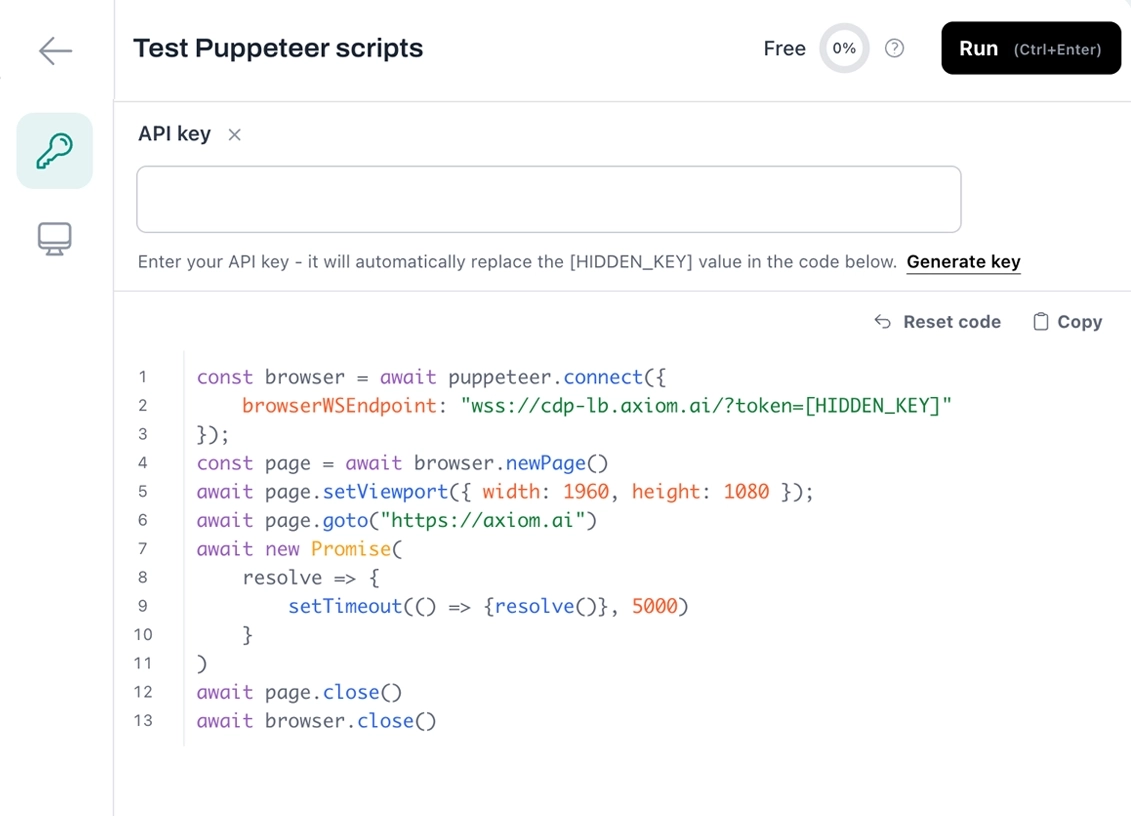
Build with code.
Connect your code to a real Chromium browser. Drop our WebSocket URL into Puppeteer, Playwright, or any CDP client. Your scripts run as-is. No servers, no Chrome to install.
Getting started
Three ways to build, one runtime underneath.
Start with the Chrome API and your existing Puppeteer or Playwright scripts. Reach for the Step API when you want higher-level Node functions, or the Orchestrate API to trigger saved bots over REST. Mix layers, or stick to one.
See docs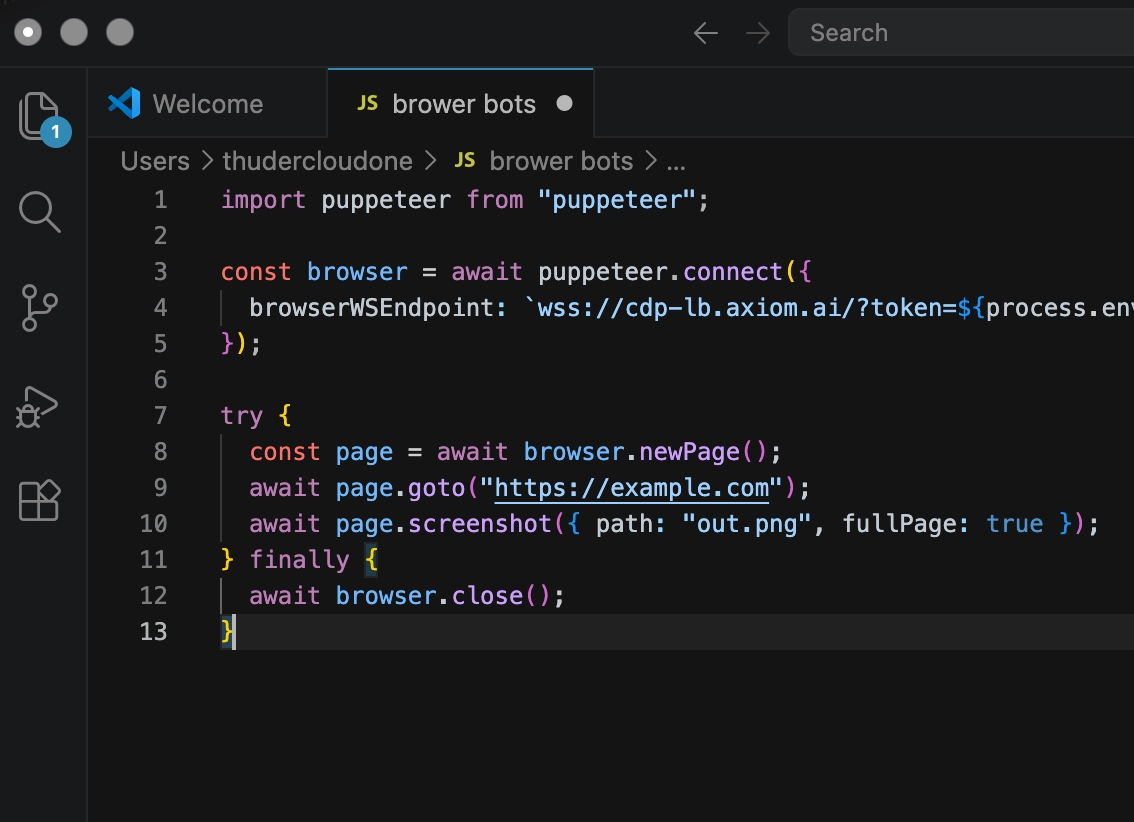
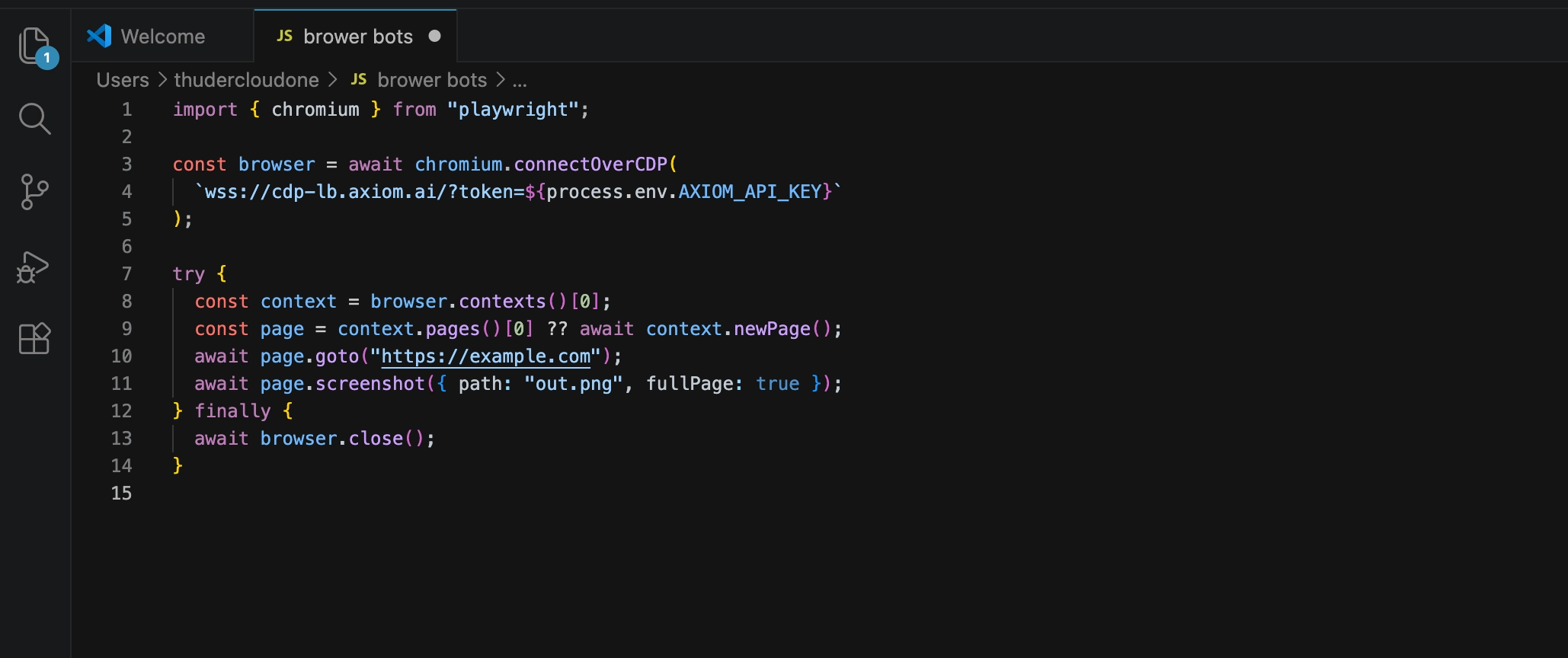
Chrome API
RecommendedOpen a WebSocket to a real Chromium and drive it with Puppeteer, Playwright, or any CDP client. Full DevTools Protocol access, no rewriting your scripts.
- Connect from Puppeteer or Playwright
- Execute arbitrary JavaScript in the page
- Manipulate the DOM, scrape data, drive UIs
- Per-session proxies, viewport, user agent
Read Chrome API docs
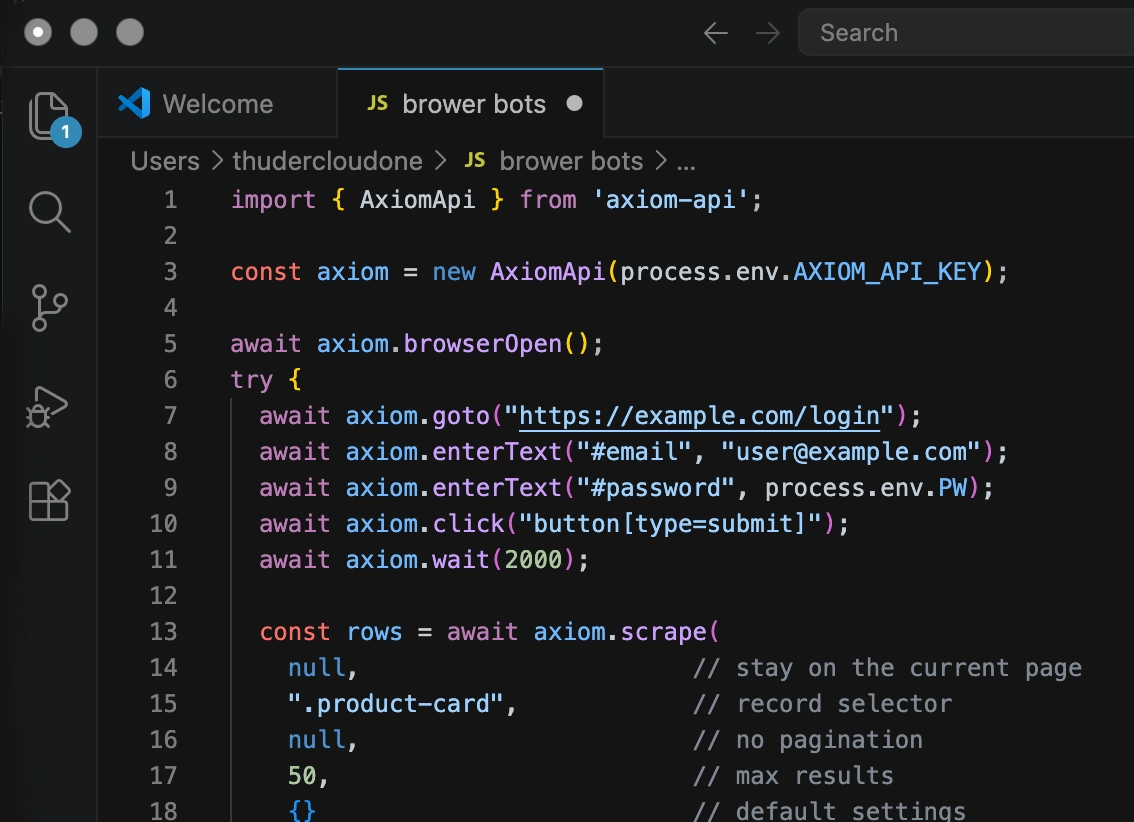
Step API
Skip the CDP boilerplate. Call high-level browser actions as Node functions. The same step library that powers the no-code builder, available as code.
- High-level browser actions in Node
- Available via the axiom-api package
- Same steps as the no-code builder
- Mix with raw Chrome API calls
Read Step API docs
Orchestrate API
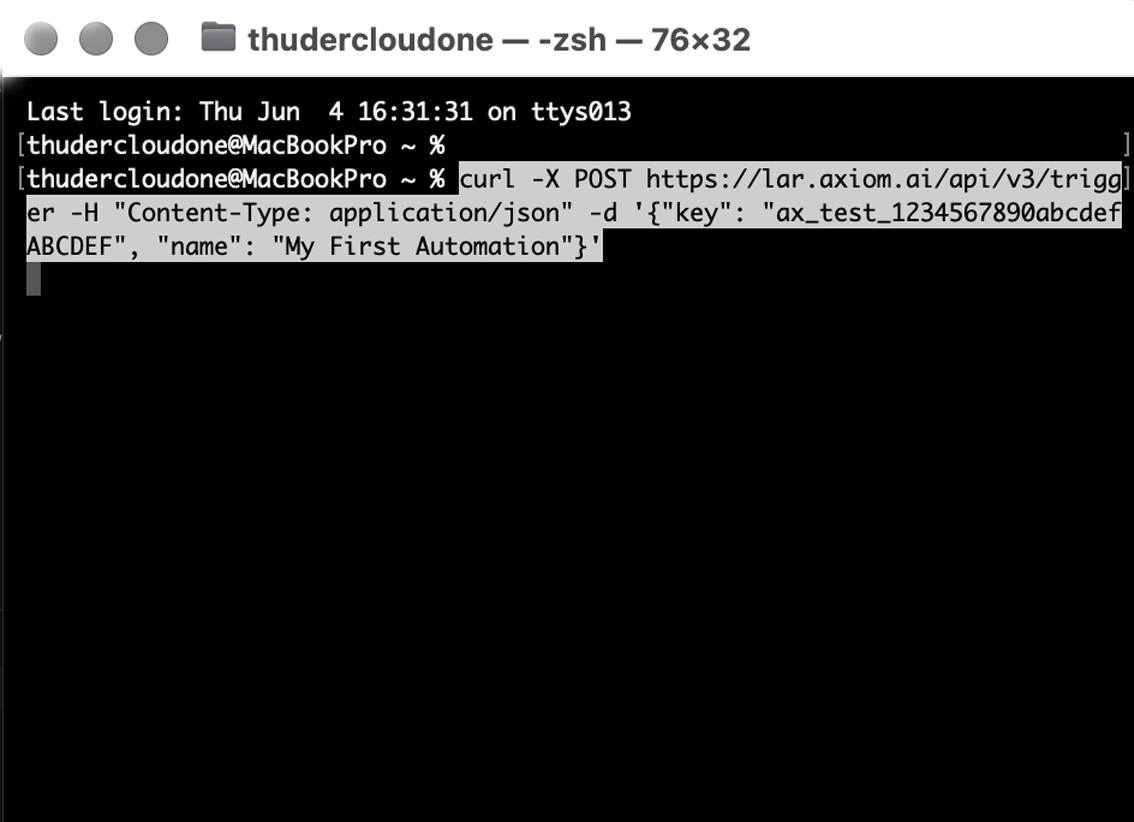
Trigger your saved bots from anywhere over REST. Combine code and no-code in one workflow. Manage runs, retries, and schedules from your stack.
- Trigger from CLI, cron, queue, serverless, or CI
- Mix code steps and no-code workflows
- Webhooks, schedules, retries
- Get results streamed back synchronously
Read Orchestrate API docs
Code in Claude
Build bots in Claude Code. Run them on axiom.ai.
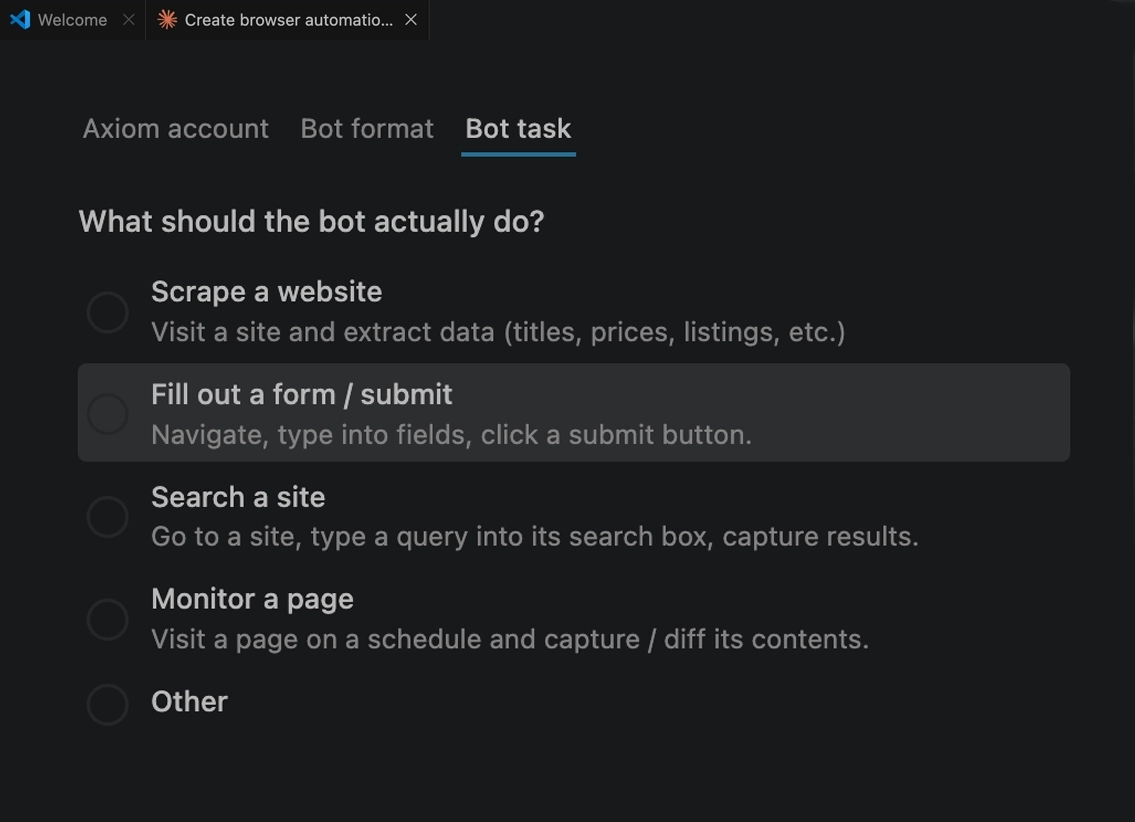
Use Claude Code to scaffold a script, fix a flaky selector, or generate a whole bot from a description. Get back working Puppeteer or Playwright code you own and can edit.
Run anywhere
In our cloud. Or on your machine.
Run in our infrastructure
Hands-off, headless, always on. Schedules, parallel runs, proxies, monitoring, all built in. Nothing to babysit.
Read more about cloud
Run on your machine
Run on your computer with our desktop app in complete privacy. Schedule runs and run unlimited automations with no concurrency limits.
Read more about desktop