Run headless
Headless mode runs an automation in the background, without opening a visible browser window. Useful for desktop runs you want out of the way, or when running on a remote machine without a display.
Warning: Some sites detect headless browsers and block them. If a site behaves differently in headless mode, run it with the visible browser instead.
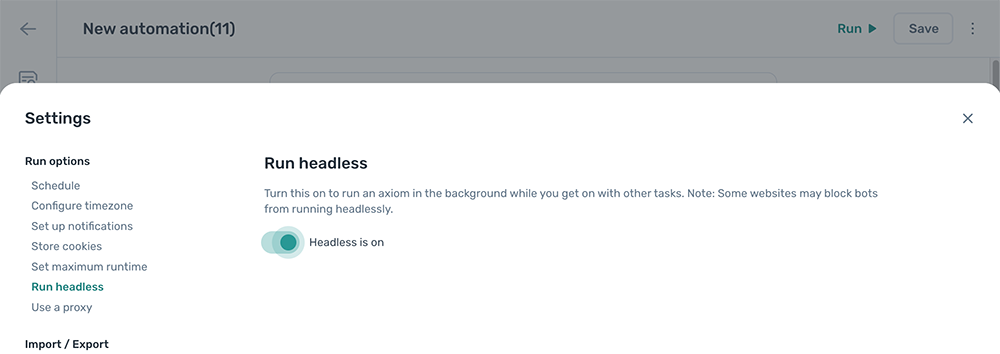
Enable headless mode
- Open the automation and click the Cog icon in the toolbar on the left.
- Open the Run headless section.
- Toggle
Run headlesson.