Concurrency
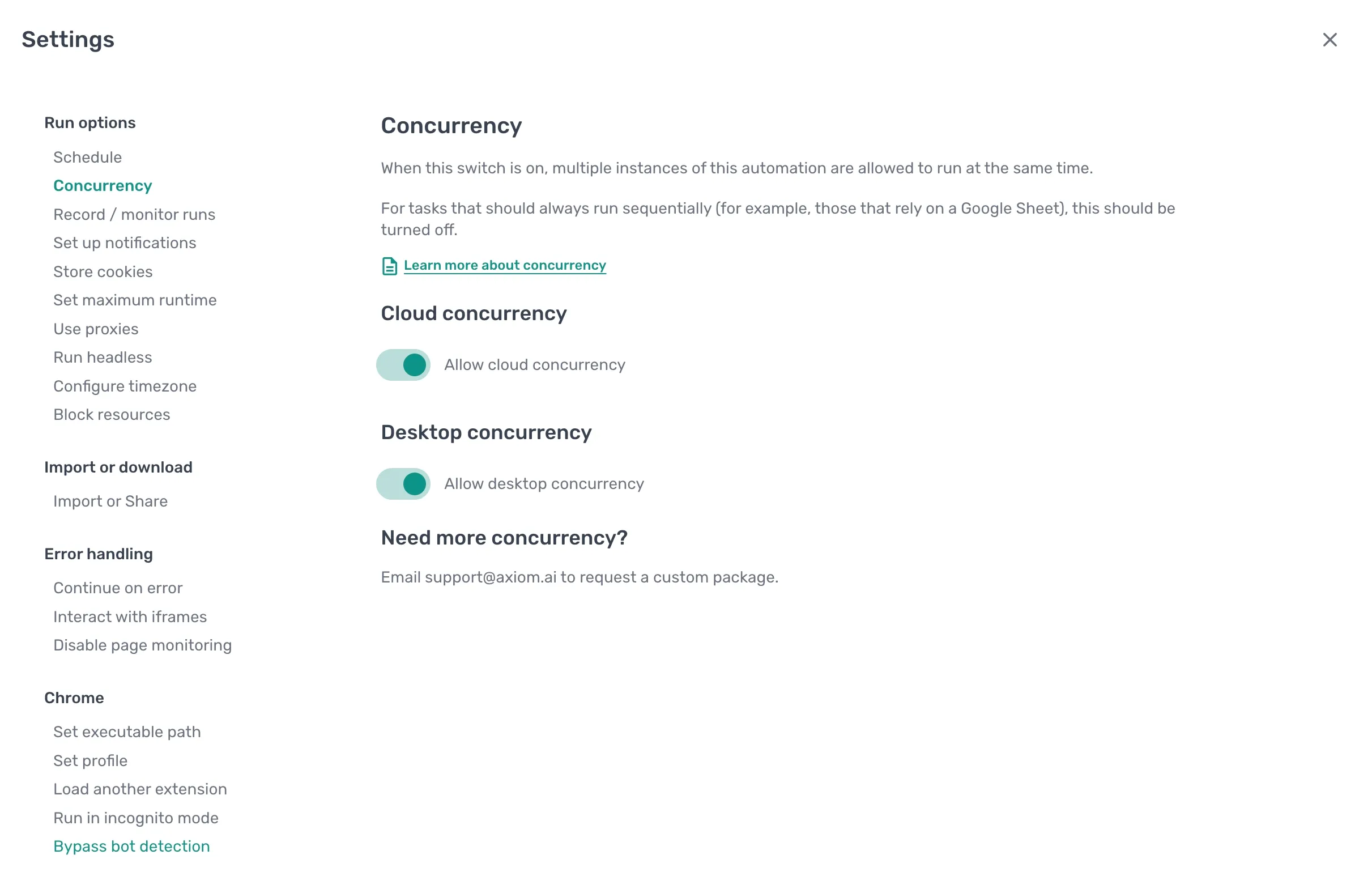
Concurrency lets multiple instances of the same automation run at the same time. Useful when an automation is triggered repeatedly (by a webhook, a schedule, or a manual rerun) and you don't want each run to wait for the last one to finish. Turn it off when runs depend on each other, for example when both write to the same Google Sheet and would clash if they ran in parallel.
Cloud concurrency
Toggle Allow cloud concurrency on to let multiple cloud runs of the automation fire at the same time.
Use it when:
- A webhook triggers the automation more often than a single run takes to finish.
- A schedule overlaps with manual runs.
- Each run is independent. It doesn't read or write data another run also touches.
Keep it off when runs share state, especially when both runs read from or write to the same Google Sheet, since simultaneous writes can overwrite each other.
Desktop concurrency
Toggle Allow desktop concurrency on to let multiple desktop runs of the automation fire at the same time.
The same rules as cloud concurrency apply. Off by default. Desktop runs typically need the screen and a single browser session, so running several in parallel is more likely to clash.
Set concurrency for an automation
- Open the automation and click the Cog icon in the toolbar on the left.
- Open the Concurrency section.
- Toggle
Allow cloud concurrencyon or off. - Toggle
Allow desktop concurrencyon or off.
Need more concurrency
Each plan ships with a default concurrency limit. To raise it, email support@axiom.ai for a custom package.