Set maximum runtime
The maximum runtime option stops an automation if it has been running longer than the limit you set. This protects against runaway runs (loops that never exit, slow-loading pages, and so on) burning through your runtime allowance.
The default is set by your subscription plan.
Note: This setting only affects cloud runs.
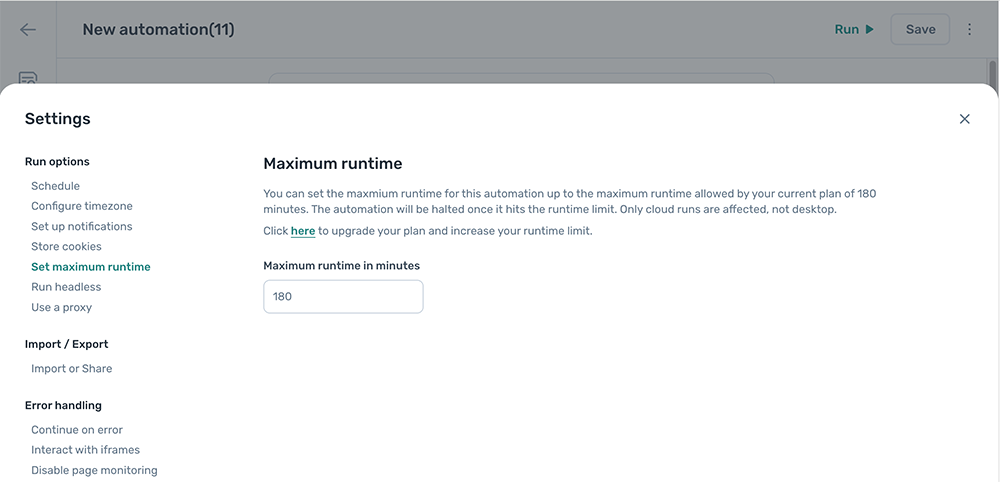
Set the maximum runtime
- Open the automation and click the Cog icon in the toolbar on the left.
- Open the Set maximum runtime section.
- Set
Maximum runtimeto the duration you want as the cap.