Step 1
Select no-code
Tell Claude you want to build a no-code bot. The skill picks the right workflow and starts asking the questions it needs.
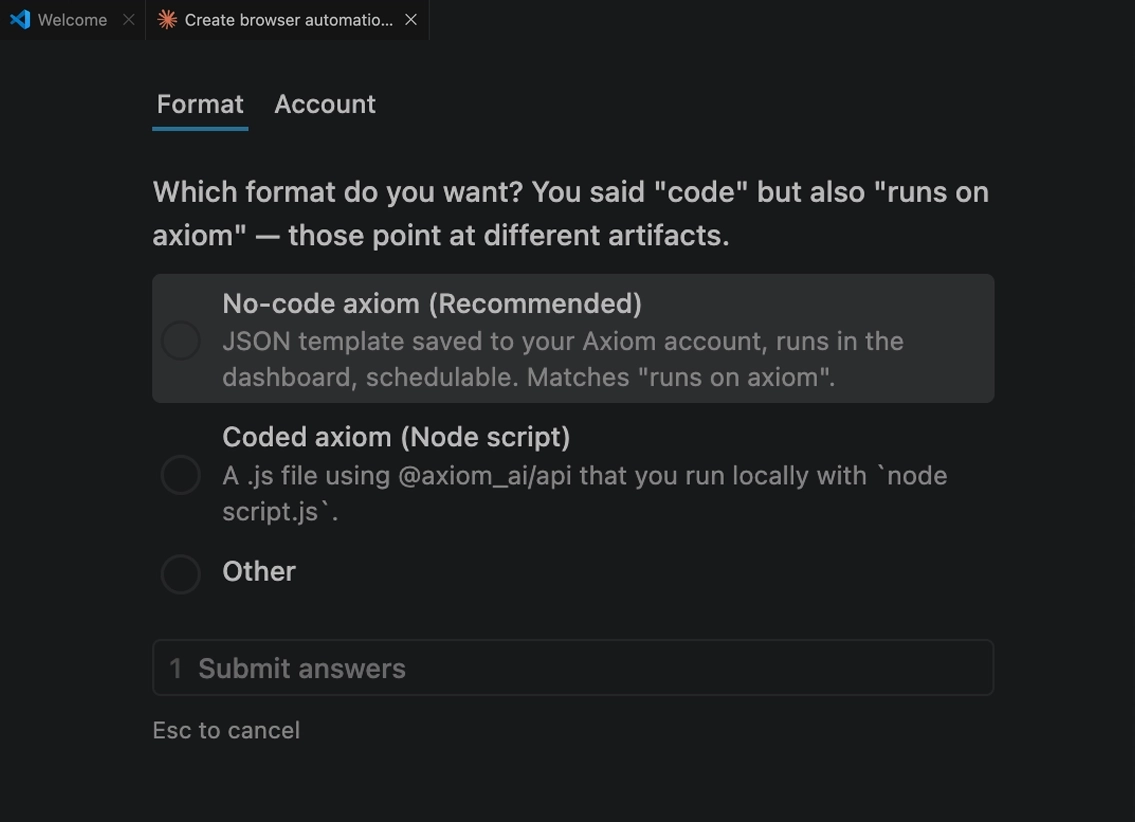
A guided skill builds your bot through a few questions. Export the workflow, upload it to the Chrome extension, and run it. No code, no manual setup.
How it works
Use the Claude skill to build no-code bots from a prompt. Same flow whether you're new to axiom or already set up.
Set up the Claude skillStep 1
Tell Claude you want to build a no-code bot. The skill picks the right workflow and starts asking the questions it needs.
Step 2
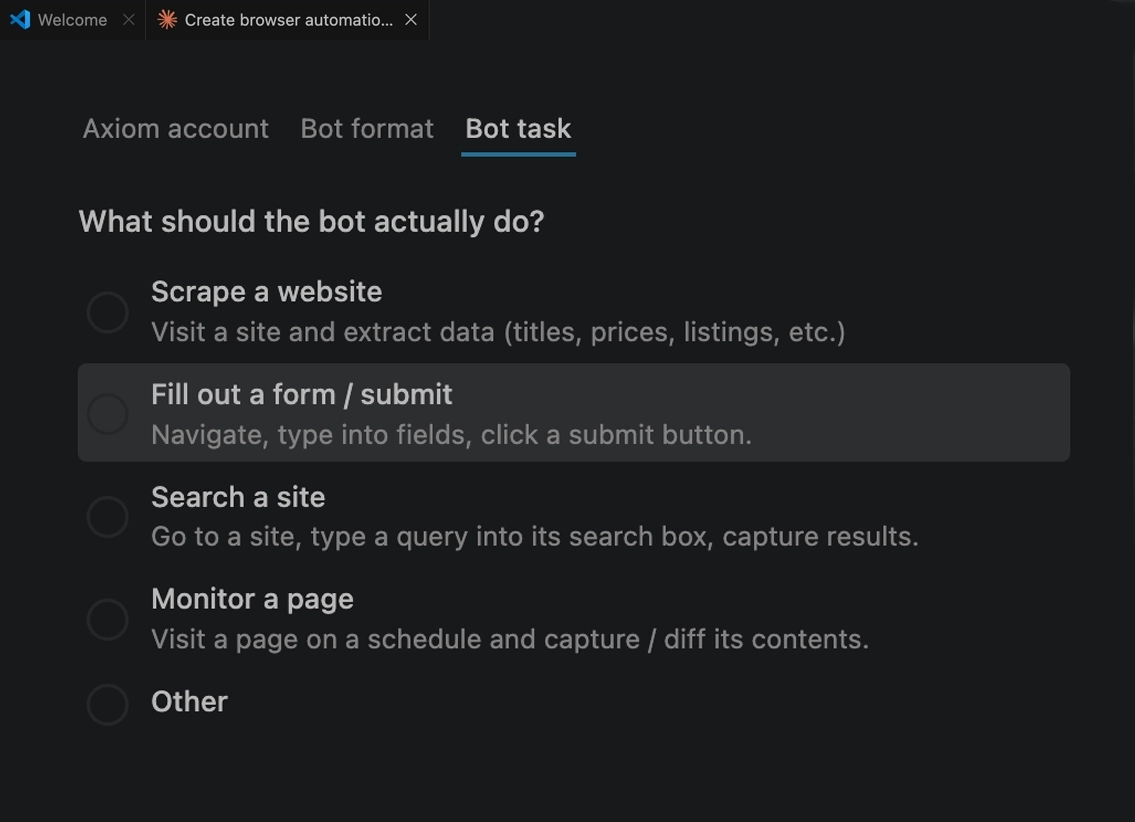
Describe what you want the bot to do, one action at a time. Claude asks follow-up questions to fill in the gaps.
Step 3
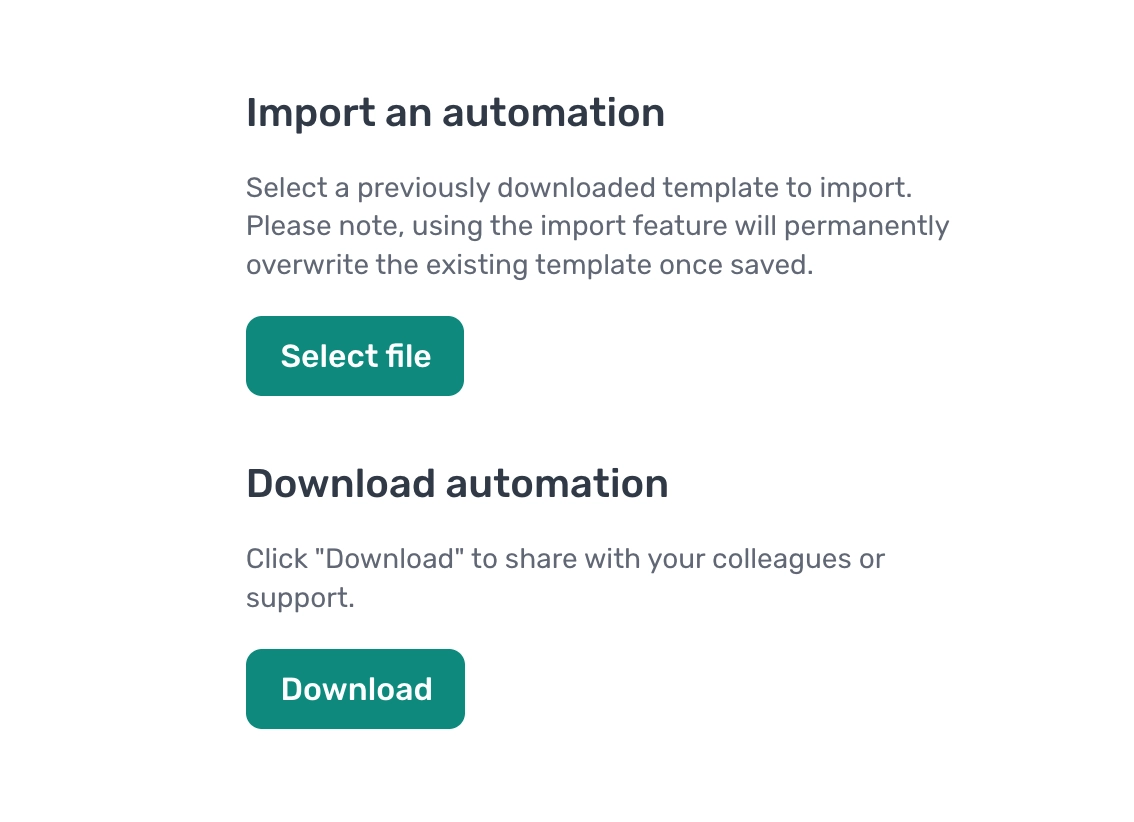
Claude generates the bot and hands you a file. Open the Chrome extension and import it in a click. API direct import coming soon.
Step 4
Upload the JSON to the Chrome extension and run it once. Watch each step fire and check the output.
Step 5
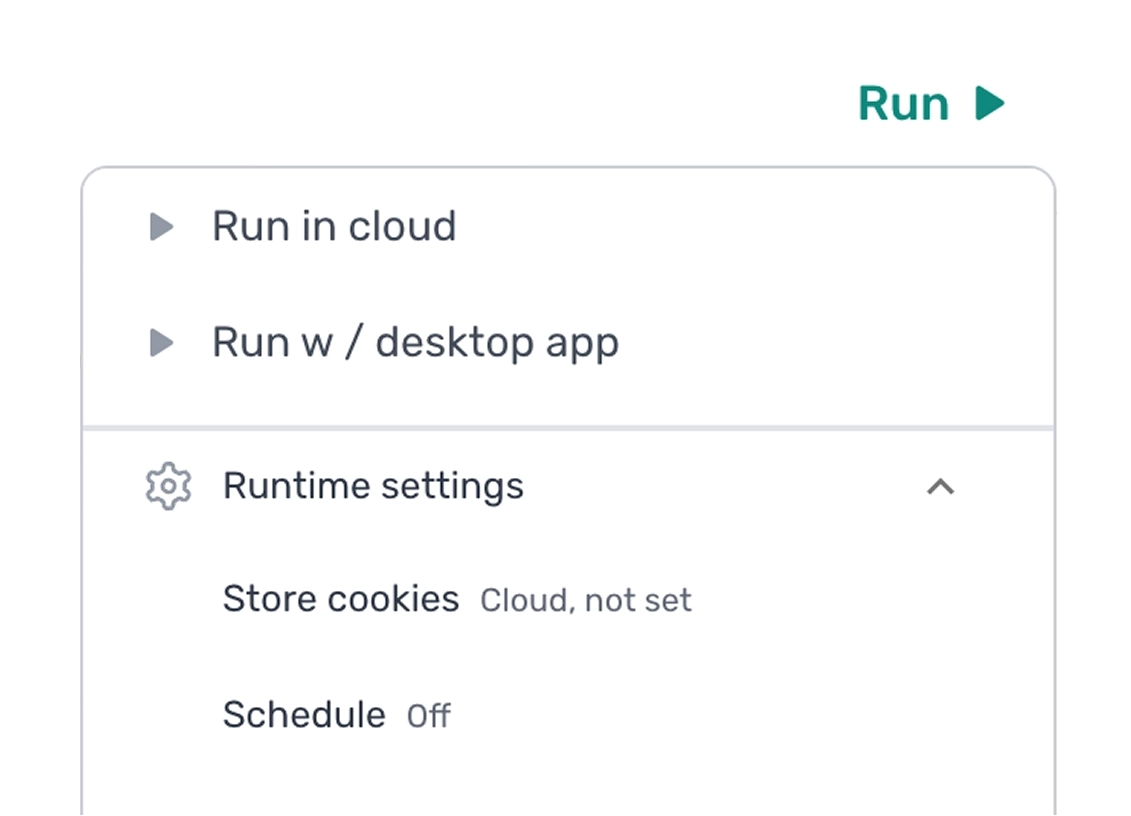
When you're happy, schedule it to run on cloud or desktop. Set the cadence, hit save, and it runs without you.
Install Claude skill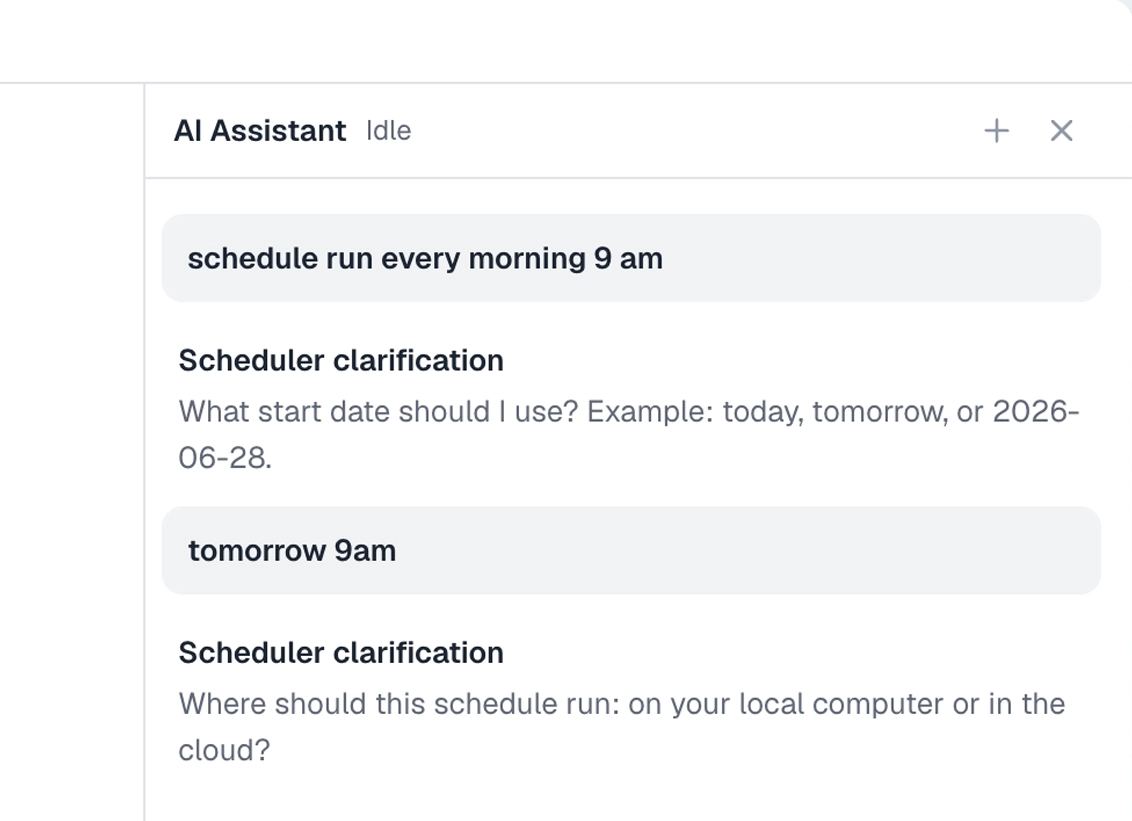
What you can automate
Run anywhere
Hands-off, headless, always on. Schedules, parallel runs, proxies, monitoring, all built in. Nothing to babysit.
Read more about cloud
Run on your computer with our desktop app in complete privacy. Schedule runs and run unlimited automations with no concurrency limits.
Read more about desktop
Backed by
Combinator
Total bots run in the cloud.
Total cloud runtime, in minutes.
Total webpages visited.
"Works a charm and really flexible for any use-case you'd have."
Andrew Osborne
David Wilson
Jennifer Brown
Robert Taylor
Emma Davis
John Smith
Sarah Johnson
Michael Chen