Import or download an automation
axiom.ai stores each automation as a JSON file. Use these settings to download an automation as a file you can share or back up, or to import a previously downloaded file into the Builder.
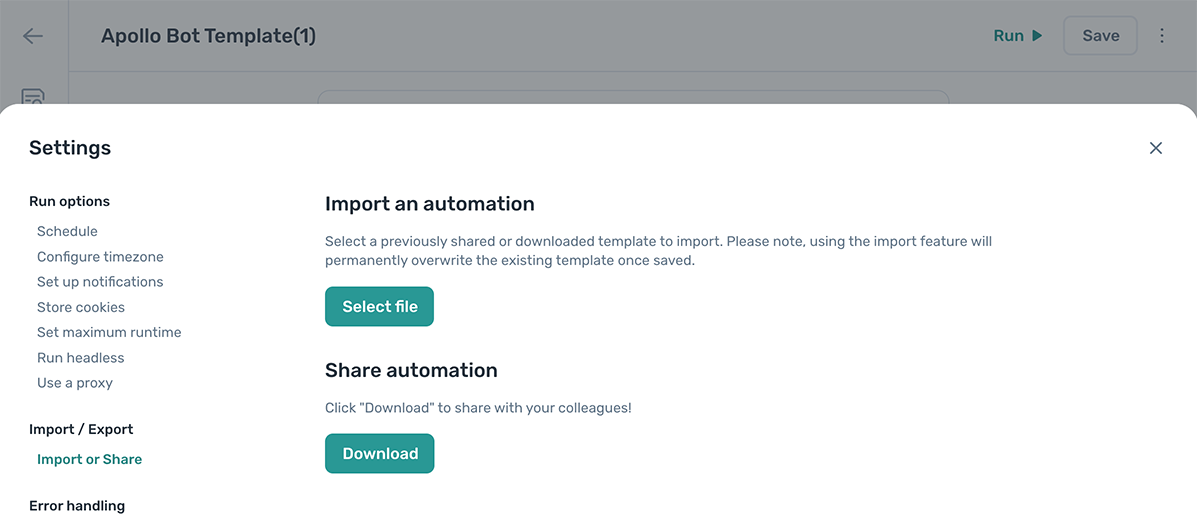
Import an automation
Importing replaces the current automation with the one in the file. Open the automation you want to overwrite first, or create a new automation and import into that instead.
Warning: Importing overwrites the current automation as soon as you save. There's no undo, so make sure you're in the right automation before importing.
- Open the automation and click the Cog icon in the toolbar on the left.
- Open the Import or download section.
- Click Select file and choose the
.jsonfile to import. - Save the automation to apply the change.
Download an automation
Downloading exports the current automation as a .json file you can share or back up.
- Open the automation and click the Cog icon in the toolbar on the left.
- Open the Import or download section.
- Click Download.
The file saves to your usual downloads folder. To use it elsewhere, follow the import steps above.