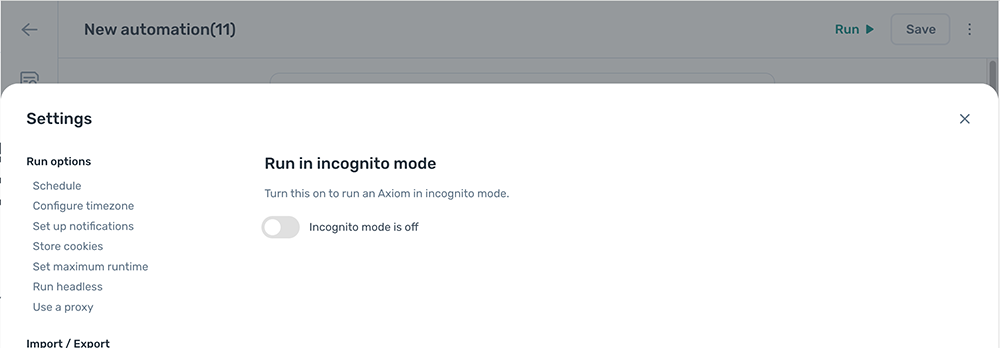
Run in incognito mode
Run an automation in incognito mode to start every run in a fresh window with no stored cookies. Useful when sessions need to be clean each time, for example when sign-in cookies from a previous run would interfere.
Allow incognito mode for the extension
The Chrome extension needs explicit permission to run in incognito mode. This is a one-time setup per machine.
- In Chrome, navigate to
chrome://extensions. - Find the axiom.ai extension and click Details.
- Toggle Allow in incognito on.
Without this permission, axiom.ai can't start in an incognito window.
Enable incognito mode on the automation
- Open the automation and click the Cog icon in the toolbar on the left.
- Open the Run in incognito mode section.
- Toggle
Run in incognito modeon.