 Swap rows and columns step
This step swaps the rows and columns of a set of data: rows become columns and columns become rows. It is useful when a scraper returns one column per item and a sheet wants one row per item, or the other way round.
You can use this step to:
- Transpose scraped data
- Reshape data from a Google Sheet
- Flip data from a CSV
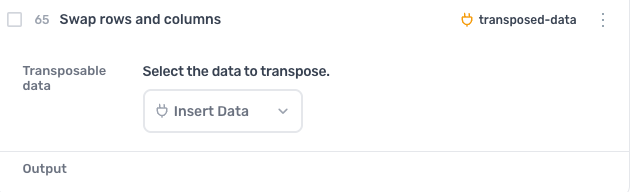
How to configure the Swap rows and columns step
Transposable data
Click Insert Data and select the data to transpose.
The step outputs the swapped data as the [transposed-data] token.
Guides that use this step
Loop through comma-separated values in a cell to select each option
- Read the products from my Google Sheet
- For each row, split the sizes cell by commas
- Select each of those sizes on the page