Set executable path
By default, axiom.ai runs automations in a built-in Chromium window. Set an executable path to use your local Chrome installation instead. This can help with sites that detect or behave differently in Chromium.
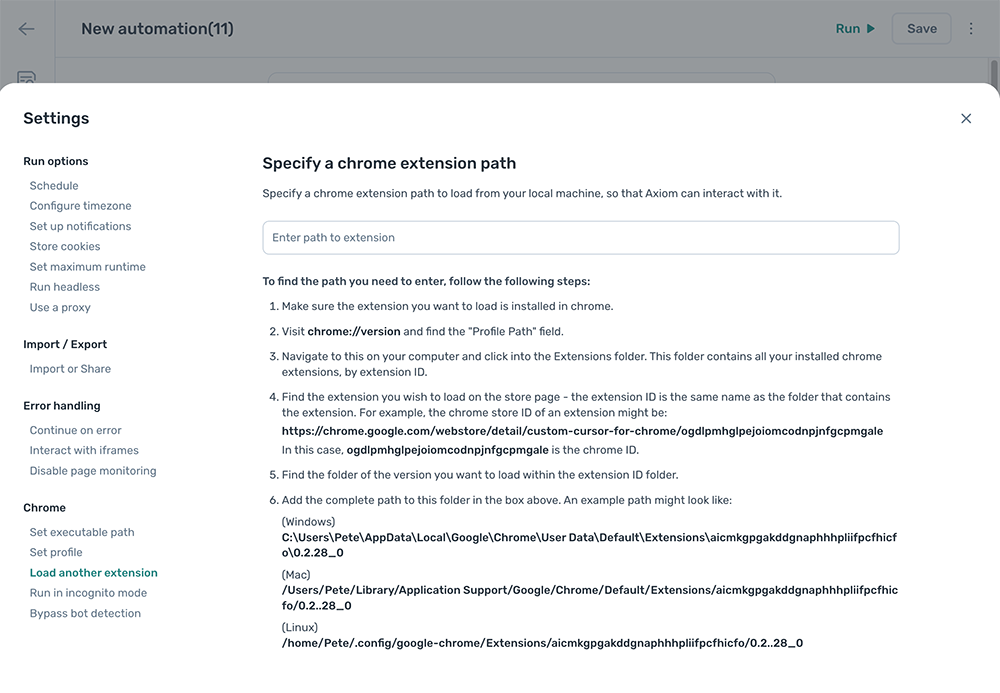
Set the executable path
- Open a new tab in Chrome.
- Navigate to
chrome://version. - Copy the Executable path value.
- In the automation, click the Cog icon, open the Set executable path section, and paste the path into
Executable path.
The path looks similar to these examples:
- Windows:
C:\Program Files\Google\Chrome\Application\chrome.exe - macOS:
/Applications/Google Chrome.app/Contents/MacOS/Google Chrome - Linux:
/usr/bin/google-chrome