 Select random rows step
This step picks rows at random from a set of data and outputs them as a new set. Use it to vary the wording of a direct message, sample a large sheet, or test with a random entry.
You can use this step to:
- Send a different message each time, picked from a list in a Google Sheet
- Test a form with a random row of data
- Sample a few rows from a large set
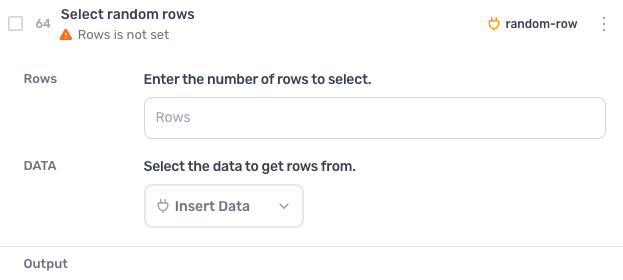
How to configure the Select random rows step
Rows
Enter the number of rows to pick.
DATA
Click Insert Data and select the data to pick rows from.
The step outputs the picked rows as the [random-row] token.