 Remove HTML code step
Use this step to strip the HTML tags out of a set of data and keep only the text. It is useful after scraping HTML with the Get data from bot's current page step's Page HTML option, when the markup has done its job and you want the words.
You can use this step to:
- Remove HTML from scraped content
- Strip HTML from Google Sheet data
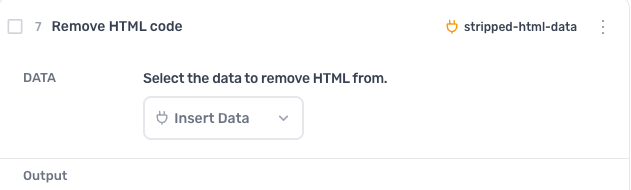
How to configure the Remove HTML code step
DATA
Click Insert Data and select the data to remove HTML from.
The step outputs the text as the [stripped-html-data] token.