 Go to page
The 'Go to page' step loads a web page for automating web actions or scraping data.
You can use this step to:
- Load a page inside a nested Loop step
- Open a web page to scrape data
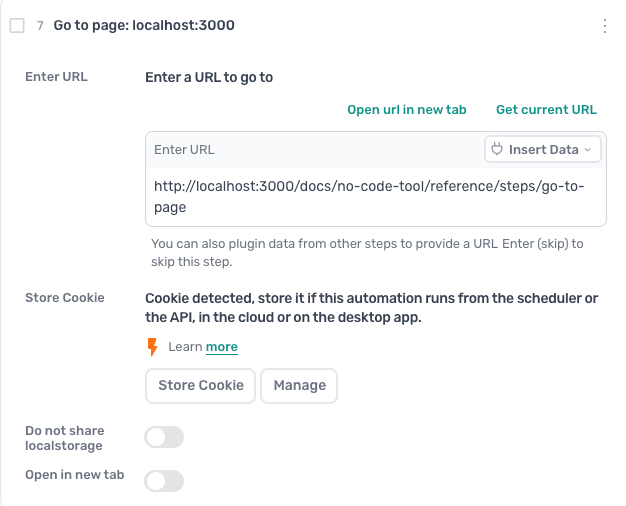
How to configure Go to page
Enter URL
Enter a URL or click 'Insert data' to pass URLs from a data source.
Guides that use this step
Bulk download files from a website to a folder
- Go to the page I give you
- Download every PDF on it
- Save them in my Downloads folder
How to capture network requests from a page
CodeLearn how to capture network requests from a page using an axiom.ai automation
Export a web page as a PDF automatically
- Go to the page I give you
- Save the whole page as an A4 PDF
- Wait for the download to finish
Check if a website needs a login and log in only when it does
- Go to the site I give you
- Check if it is showing a login page
- If it is, log in with my email and password
- Then carry on with the rest of the task
Scrape data from a list of URLs in a Google Sheet
- Open each link in column A of my Google Sheet
- Ask me which data to scrape from each page
- Put the details in that URL's row from column B
Extract email addresses from a website into a Google Sheet
- Go to the page I give you
- Find every email address on it
- Add them to my Google Sheet, no duplicates