 Count rows step
Use this step to count the rows in a set of data and output the number as the [count-rows] token. It is most used with the Read data from a Google Sheet step, to make the number of times a Jump to another step step repeats match the number of rows.
You can use this step to:
- Set a Jump step's
Maximum cyclesto the number of rows, by inserting this step's token there - Pass a row count into the Write javascript step
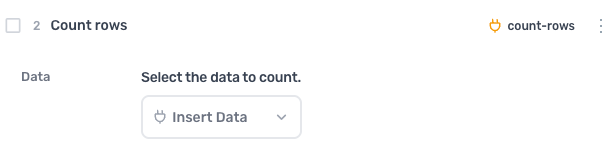
How to configure the Count rows step
Data
Click Insert Data and select the data to count.