Manage your subscription
Manage your axiom.ai subscription to upgrade your plan, add runtime, update billing details, or download invoices. For account settings outside billing, see manage your account.
Change your plan
Open the axiom.ai Chrome extension and navigate to the Change plan section.
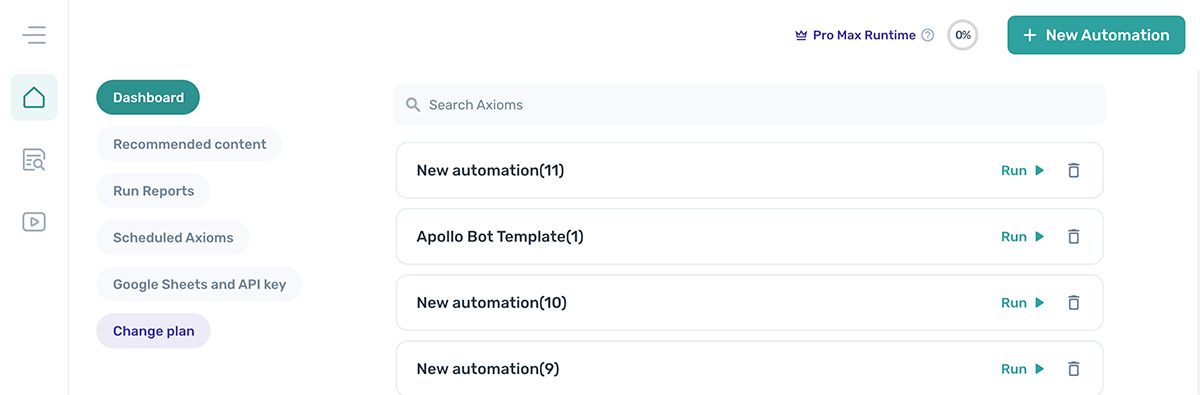
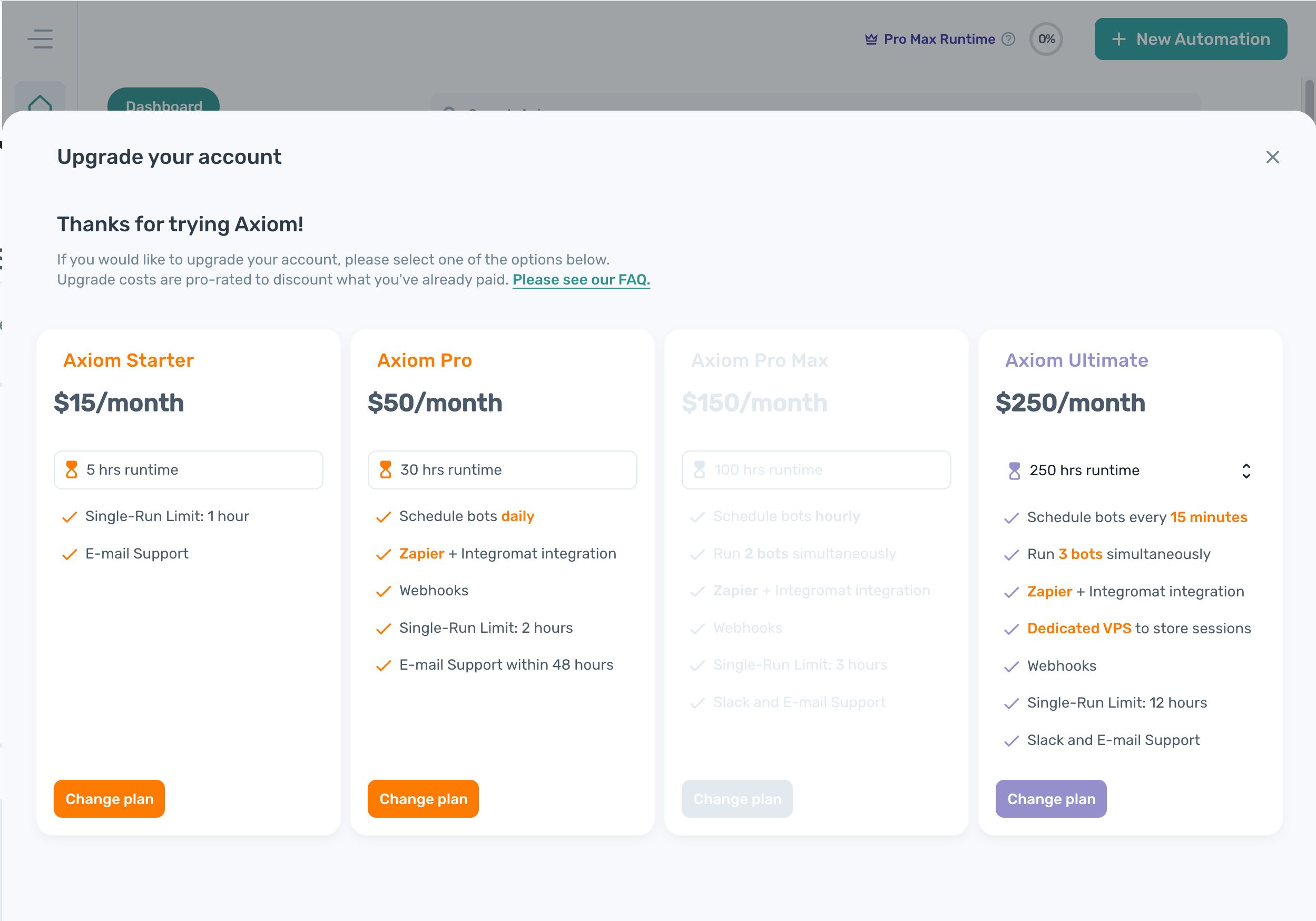
The Change plan section shows every plan we offer. Click Change plan on the plan you want to switch to.
Manage billing in the payment portal
Update your payment method, billing information, and download invoices from the payment portal. The portal is provided by Stripe, our payment partner.
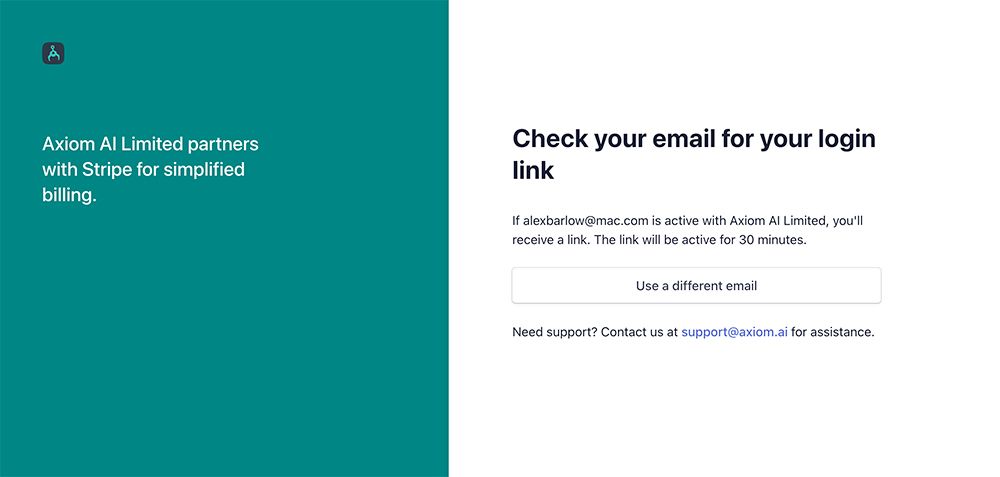
To open the portal, follow the payment portal link and enter the email address you used to create your axiom.ai account. Stripe sends a one-time link to that address; click the link in the email to enter the portal.
Update your payment method
You can add or update payment methods on your account at any time.
- In the payment portal, click Add payment method.
- Choose Card or Google Pay.
- Click Add.
Note: If you'd prefer to pay by invoice, contact support@axiom.ai.
Update your billing information
Update your billing information at any time. This is useful for changes to billing name, address, or VAT details.
- In the payment portal, click Update information.
- Edit the fields you need to change.
- Click Save.
Download invoices
Past invoices and receipts are available in the payment portal.
- In the payment portal, find the Invoice history section.
- Click the date of the invoice you want.
- Click Download to download the invoice, the receipt, or both.