Manage your account
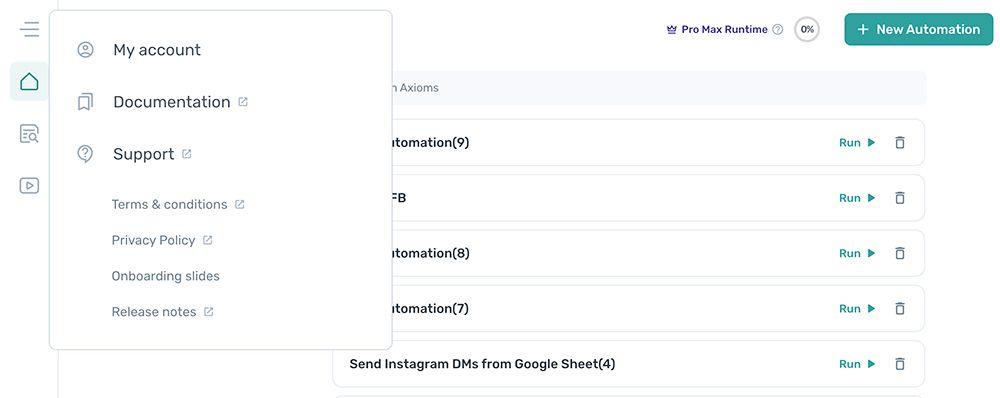
Open the axiom.ai extension, go to the dashboard, and click the burger menu in the top-right. Select My account to open your account settings.
Set up a team account
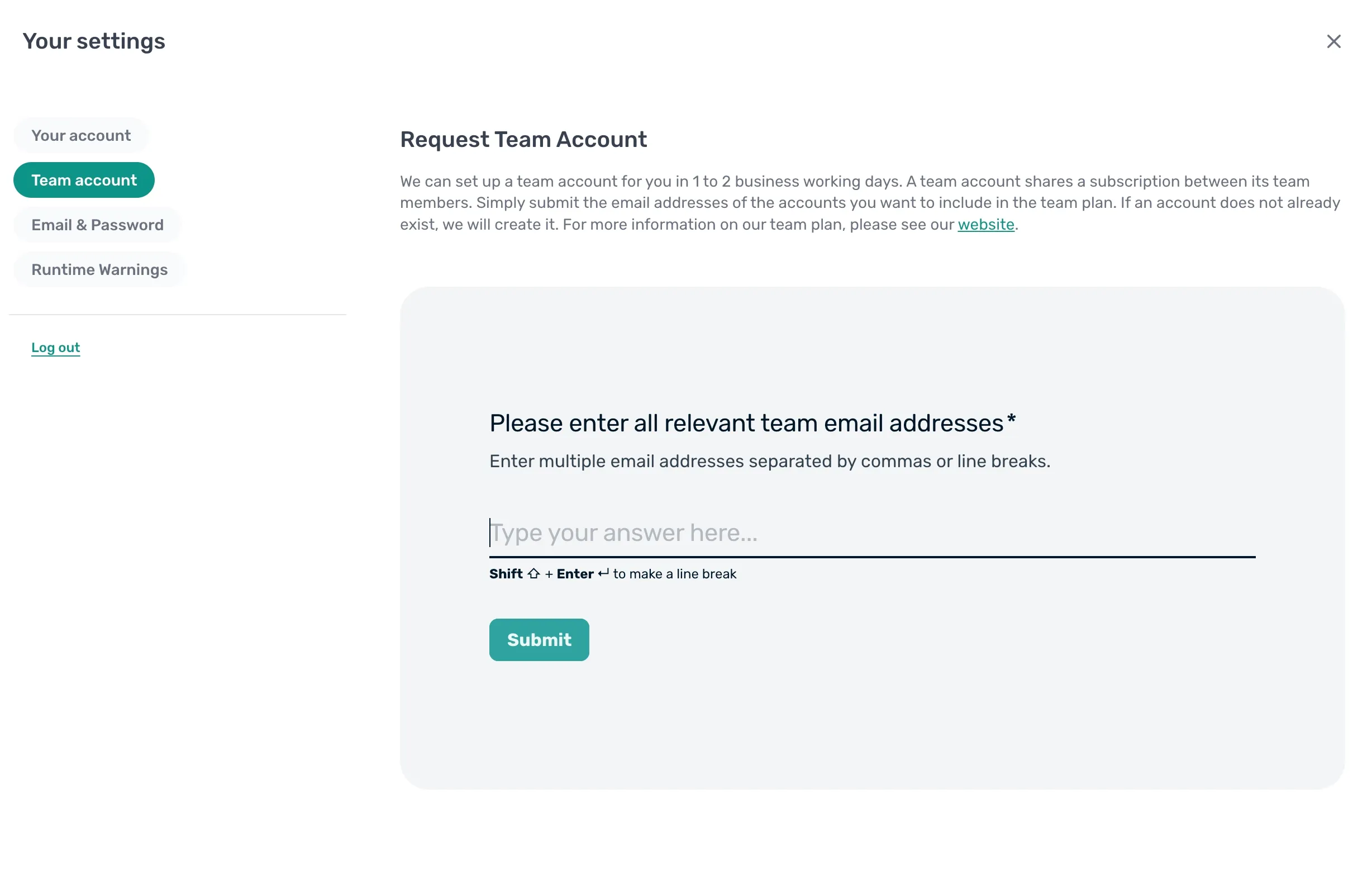
A team account shares a single subscription and runtime allocation between everyone in the team. Team accounts are available on the Ultimate plan only, and we set them up manually within 1 to 2 business days of receiving the request.
To request a team account:
- Click Account in the main menu, accessed from the top-left of the dashboard.
- In the Typeform, enter the email address of every account you want included in the team plan.
- Click Submit.
A team will be in touch within 1 to 2 business days to finish the setup.
Change email
- Click Account in the main menu, accessed from the top-left of the dashboard.
- Click Email & password.
- Replace the value in
Emailwith the new email address. - Click Update account.
Change password
- Click Account in the main menu, accessed from the top-left of the dashboard.
- Click Email & password.
- Enter your existing password in
Current password. - Enter your new password in
New password. - Re-enter the new password in
Retype new password. This must matchNew passwordexactly. - Click Change password.
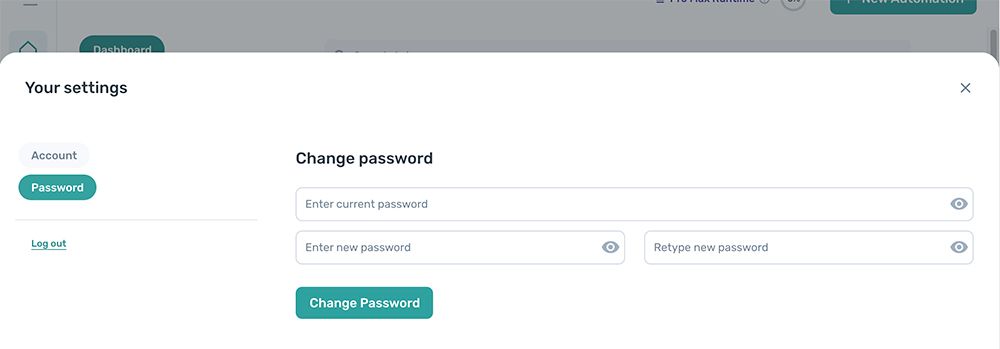
Change company name and role
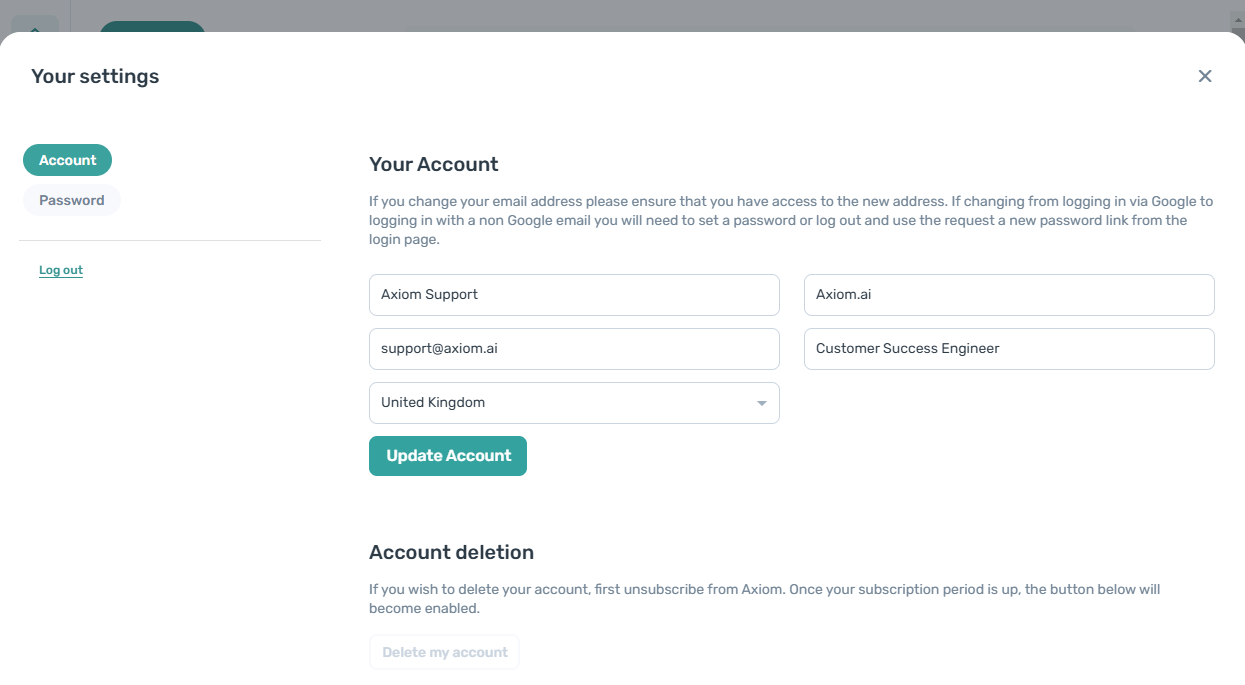
- Click Account in the main menu, accessed from the top-left of the dashboard.
- Enter the new value in
Enter company name. - Enter the new value in
Enter company role. - Click Update account.
Change your country
- Click Account in the right-side menu.
- Select your country from
Select country. - Click Update account.
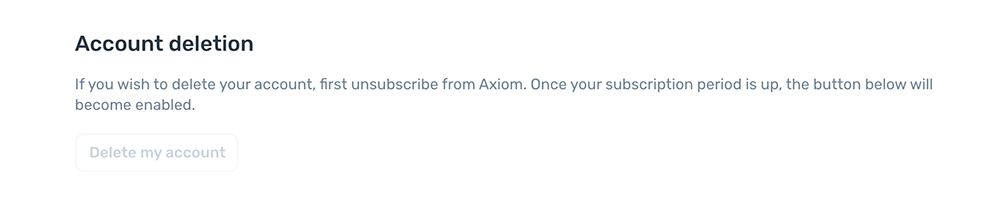
Delete your account
Warning: Account deletion is permanent. Once an account is deleted, it can't be recovered.
- If you have an active plan, unsubscribe first.
- Click Delete my account.