 Send an email step
Use this step to send an email to one or more addresses, for example to confirm a run has finished or to share data scraped from a reporting page with colleagues. Emails come from a no-reply axiom.ai address, so nobody can reply to them, and the step sends at most one message every 30 seconds. Don't use it to send unsolicited email to third parties.
You can use this step to:
- Send a confirmation that a run has completed
- Email colleagues data you have scraped
- Email a report built from the data of earlier steps
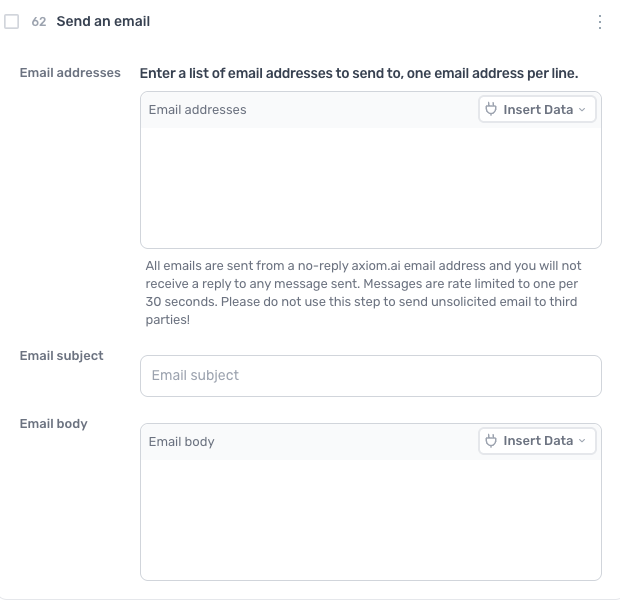
How to configure the Send an email step
Email addresses
Enter the addresses to send to, one per line, or click Insert Data to take them from a data source such as a Google Sheet.
Email subject
Enter the subject line.
Email body
Enter the body of the email. Click Insert Data to include data from any earlier step.
Guides that use this step
Monitor a website for changes and get an email
- Go to the listing page I give you
- Scrape the title of every item
- Keep only the ones not already in my sheet
- Add the new ones to my sheet
- Email me the new ones
Automate date inputs with the Date and time step
- Go to the form page I give you
- Get today's date in the format the form uses
- Type it into the date field
- Submit the form