 Display a message step
The Display a message step shows a message in the browser window while the automation runs. It is mainly used for debugging, like a console log you can see on screen: output the data from earlier steps to see what the run is working with, or check that conditional logic behaves as expected by placing a message after a Conditionally jump to another step step so it shows only when the jump did not happen.
You can use this step to:
- Display data output by earlier steps
- Check conditional logic is working as expected
- Flag which step the automation has reached
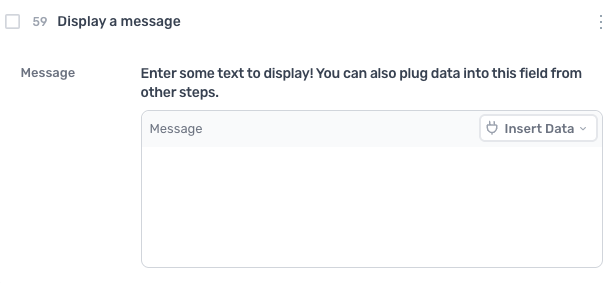
How to configure the Display a message step
Message
Type the message to display. Click Insert Data to include data from other steps; you can add several tokens in one message.
Guides that use this step
How to capture network requests from a page
CodeLearn how to capture network requests from a page using an axiom.ai automation
How to post data to Baserow using an axiom.ai automation
CodeLearn how to automatically post to your Baserow account using an axiom.ai automation