 Create a new Google Sheet step
Use this step to create a new Google Sheet during a run. To write data into a Google Sheet, use the Write data to a Google Sheet step; to file the new sheet in a folder, use the Move a Google Sheet step.
You can use this step to:
- Create a new Google Sheet for each run, then write the run's data into it
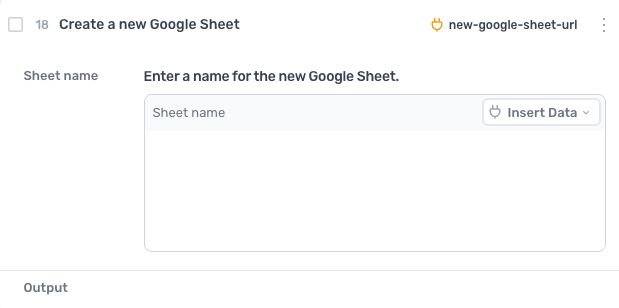
How to configure the Create a new Google Sheet step
Sheet name
Enter a name for the new Google Sheet, or click Insert Data to build the name from data, such as today's date from the Date time step.
The step outputs the new sheet's URL as the [new-google-sheet-url] token, which you can pass into the Spreadsheet field of a later step with Set sheet URL from data.