Axiom.ai v5.0: Build from description, AI troubleshooting assistant, and free Claude credits
We are proud to introduce the next major version of axiom.ai, now with significantly improved AI functionality and more ways than ever to run your automations.
Build from description with AI
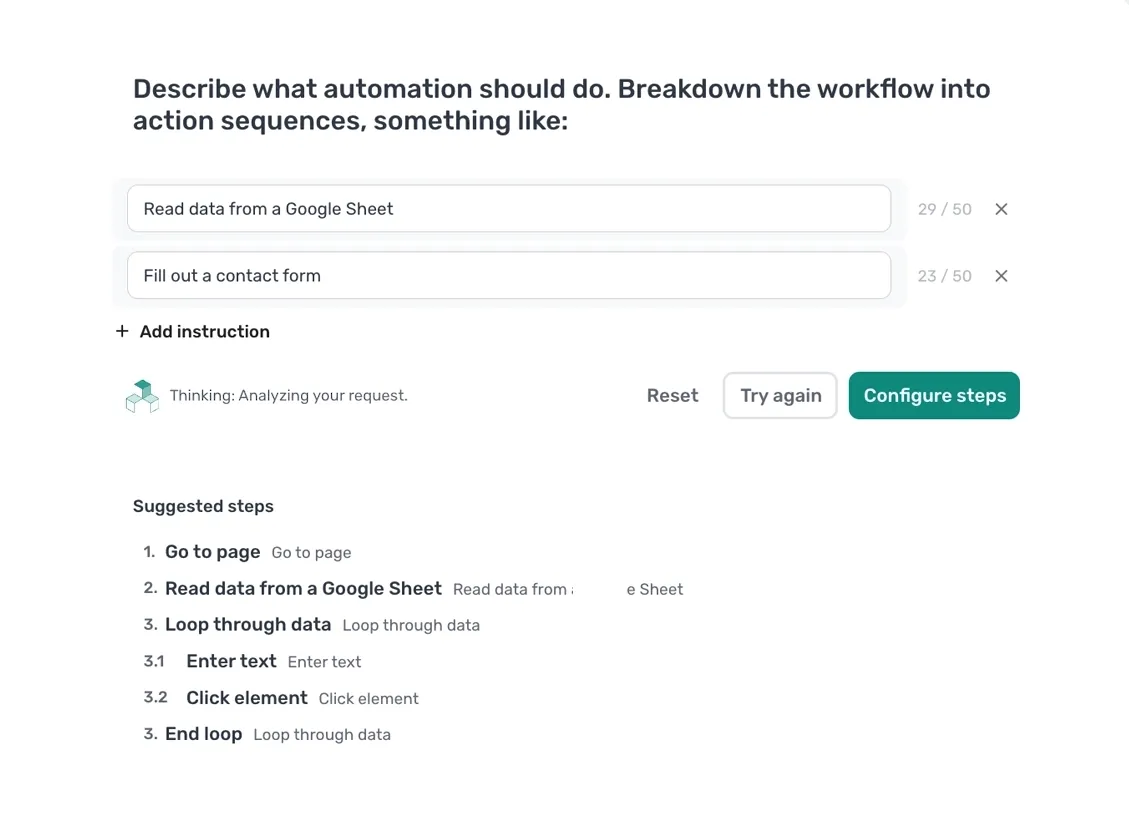
Add a list of steps in simple english and the AI, powered by Claude, will scaffold an automation for you to get you started with your automations.
The existing build by step and template options will always continue to exist for those who like it that way.
AI troubleshooting assistant
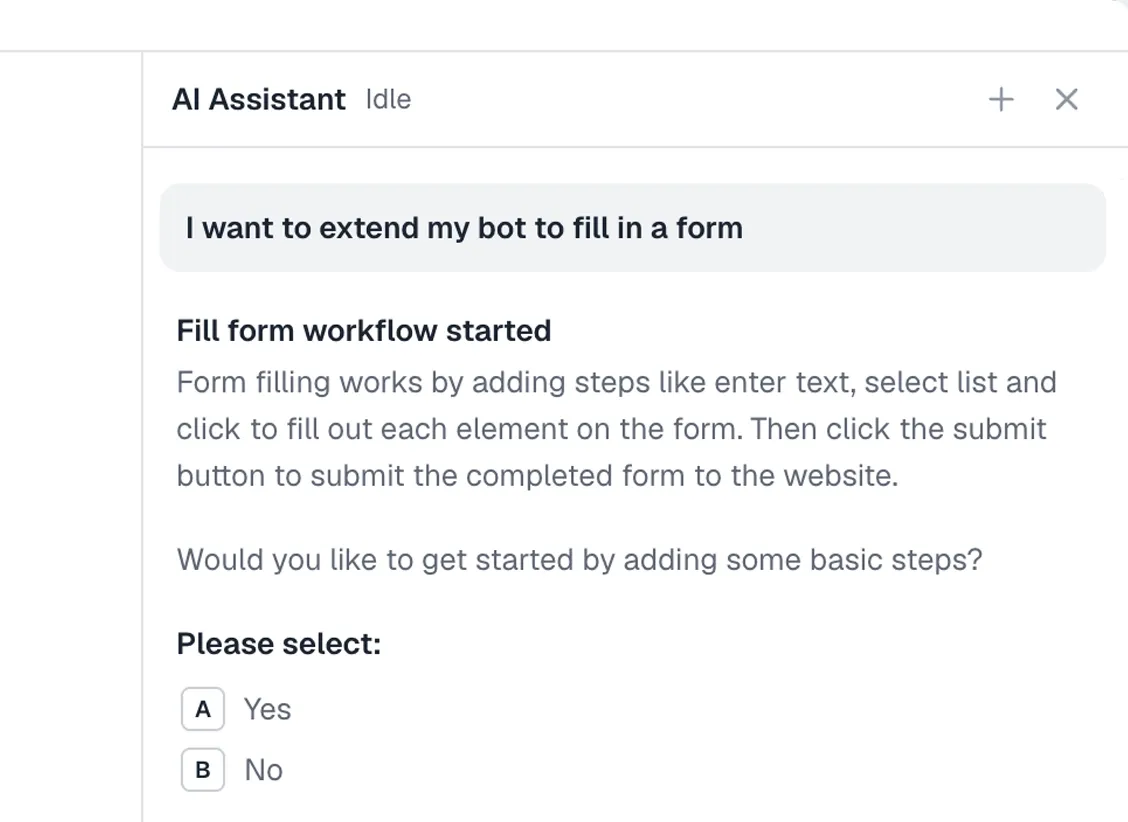
A new troubleshooting assistant powered by Claude now can help you resolve errors and make changes to your automations automatically.
It can add steps, give you tips to resolve errors, update settings, schedule runs, give you results from the documentation, and more - give it a try!
Free Claude credits
All subscribers now get free Claude AI credits to use each month with build with description and the troubleshooting assistant.
Infrastructure updates
A new Step API has been added allowing the triggering of no code steps from code or from your agent harness.
We have also released a new Claude Code skill with helpful features for building and debugging automations into beta, giving you even more ways to automate the browser.