Make automations with our no-code tool
This guide walks you through installation, creating your account, offers starting points for your first automation, shows you how to use our No-code tool, and helps you run your first automation. If you're a novice eager to Learn how, explore our tutorials on all of axiom.ai's features. Experts aiming for mastery should check out our How to guides for design patterns.
Install axiom.ai in seconds
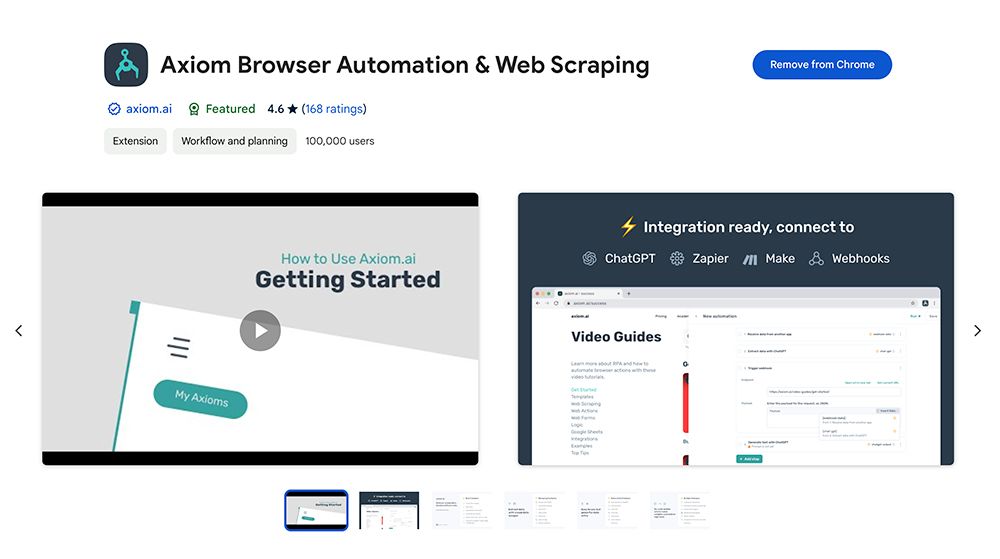
As a Chrome extension, axiom.ai is very quick to install - visit our chrome store page. It's free to try, no credit card required, and all new accounts get 120 minutes of runtime.
Create an account
After the extension is installed, create a free account to start automating.
Start your first automation
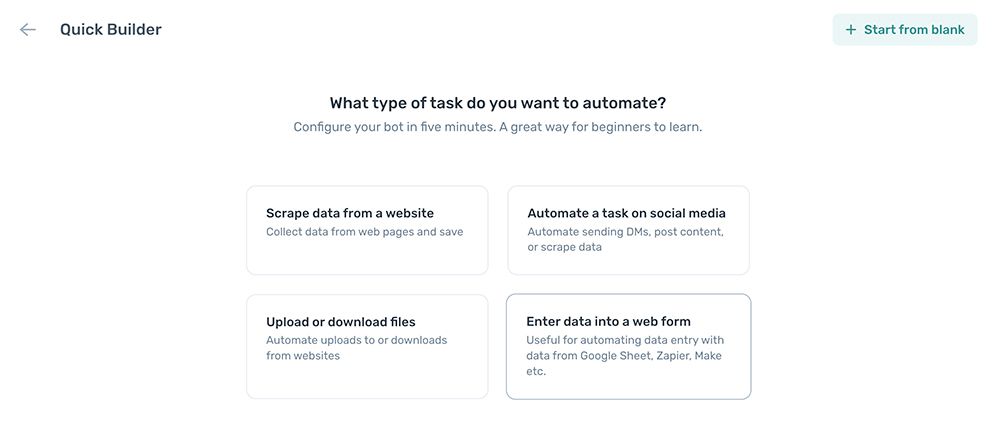
Scaffold your automations with the Quick builder. Alternatively if you're a beginner, start with a snippet or template. Experts can begin from scratch. To find the best starting point for you, please read our getting started guide.
Using our dashboard
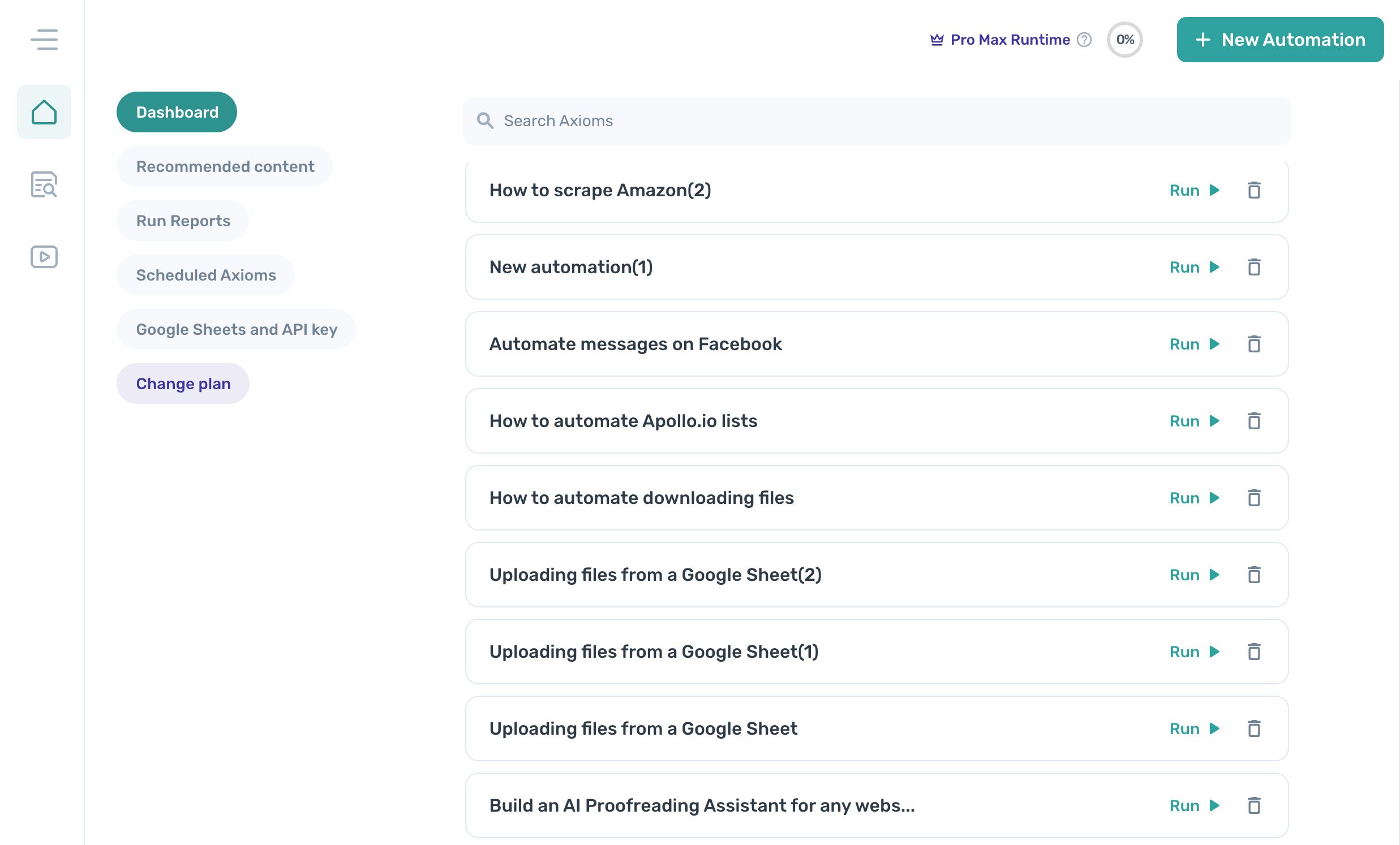
Learn the basics of axiom.ai's No-code tool, starting with how to open the builder, create a new automation, combine steps to replicate your tasks, and export your automation to share with colleagues.
Using our No-code tool
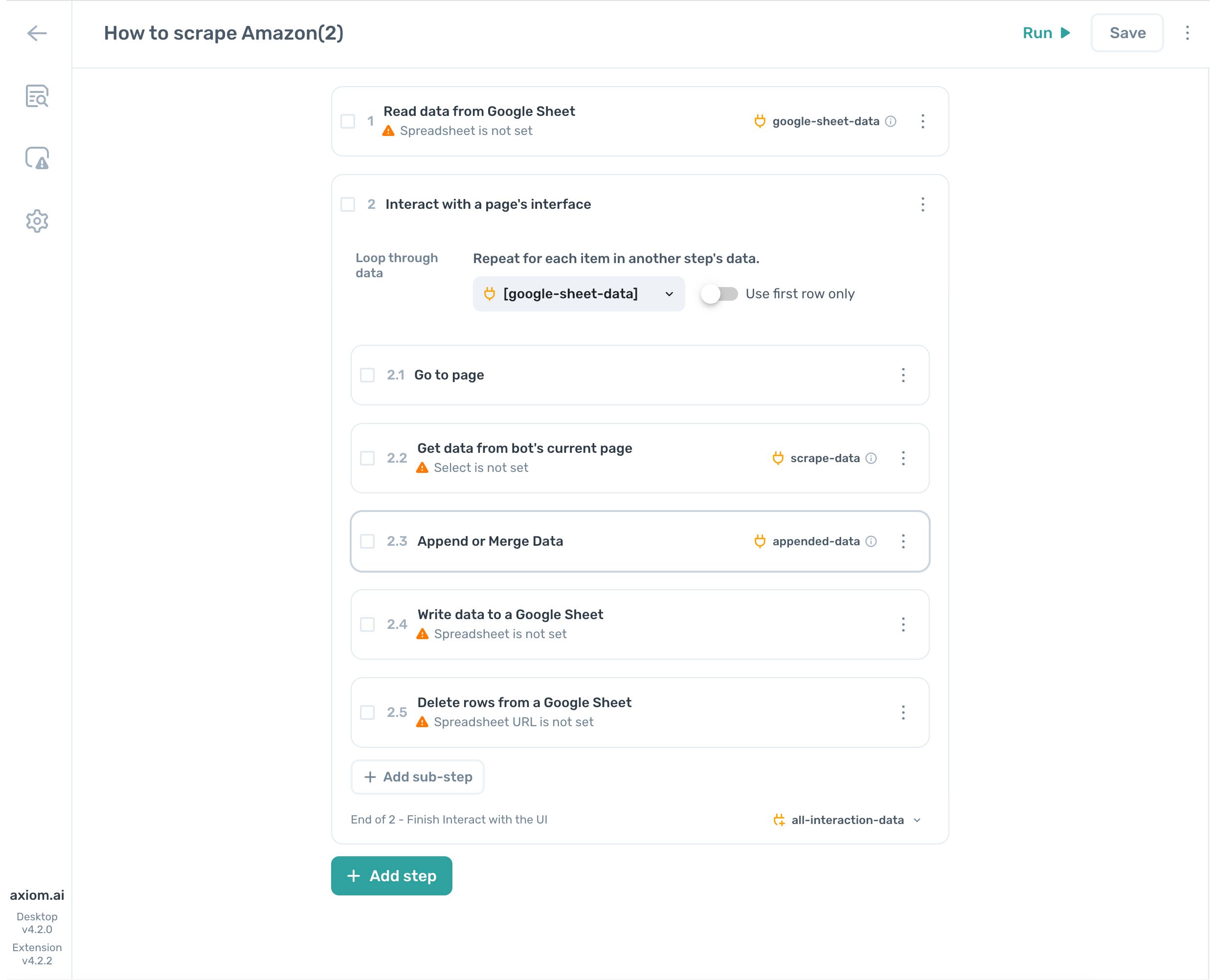
Learn the basics of axiom.ai's No-code tool, starting with how to open the builder, create a new automation, combine steps to replicate your tasks, and export your axiom.ai to share with colleagues.
[Learn how](/docs/no-code-tool/the-builder/builder
Running your automations
Once you've built your automation, running it is straightforward; click "Run" and choose between the desktop or the cloud. If you want to learn how about scheduling your automations or understanding runtime options, please read on.
How to share your automation
You can share automations you make with collegaues as often as you like.
Need help get in touch
We always love hearing from our customers. Your feedback helps us improve our product. Whether you need support, want a new feature, or are curious about how to automate your use case, please get in touch. We offer varying degrees of support, including a dedicated Slack channel.