A list, across pages
You write
- Go to Amazon search results for standing desks
- Get the title, price and rating
- Do every page of results
- Add them to my Google Sheet
Tell the agent the site and the data you want. It builds a bot that copies every item into your Google Sheet, tests it, and hands it over. Then the bot runs on its own, without the agent.

What should your automation do?
Build with AgentExamples
Change the words and the agent builds a different bot. Try any of these in the extension.
You write
You write
You write
You write
You write
You write
How it works
Nothing to set up and no selectors to learn. The agent opens the page and works it out.
More on build from descriptionStep 1
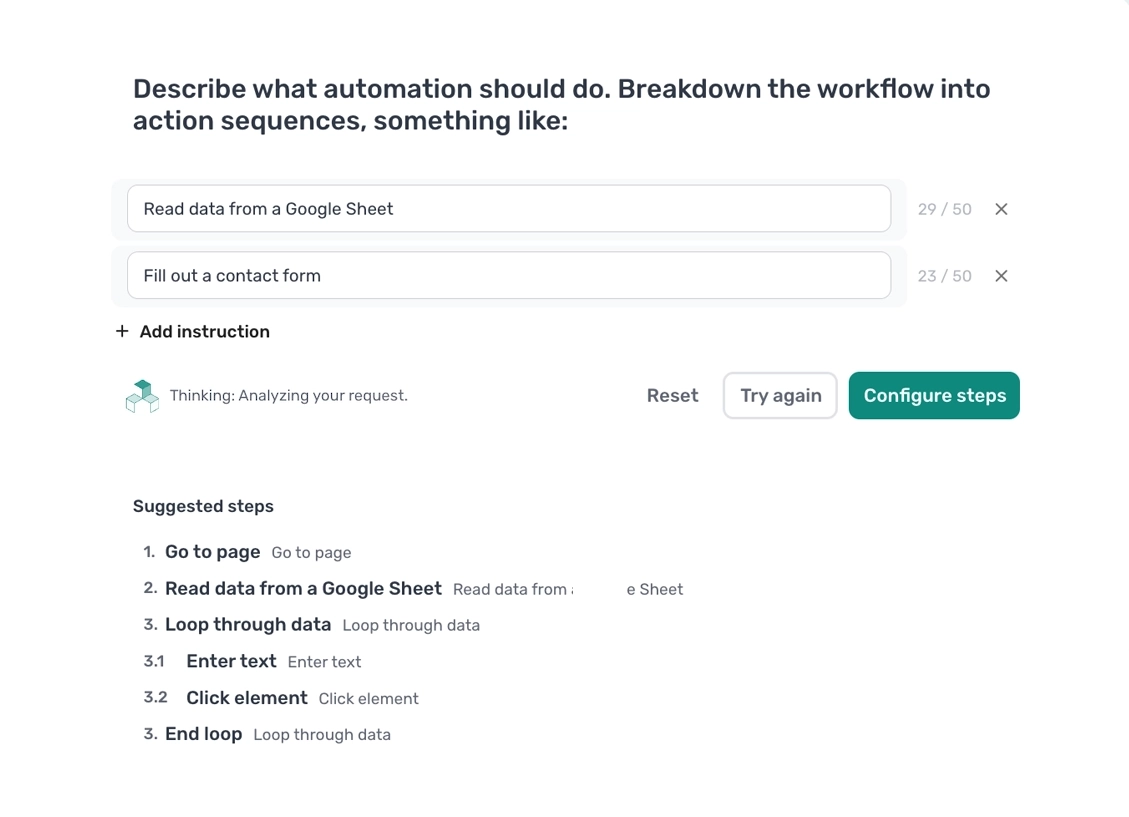
Name the site and the data you want, in plain English. One line per thing you would do by hand.
Step 2
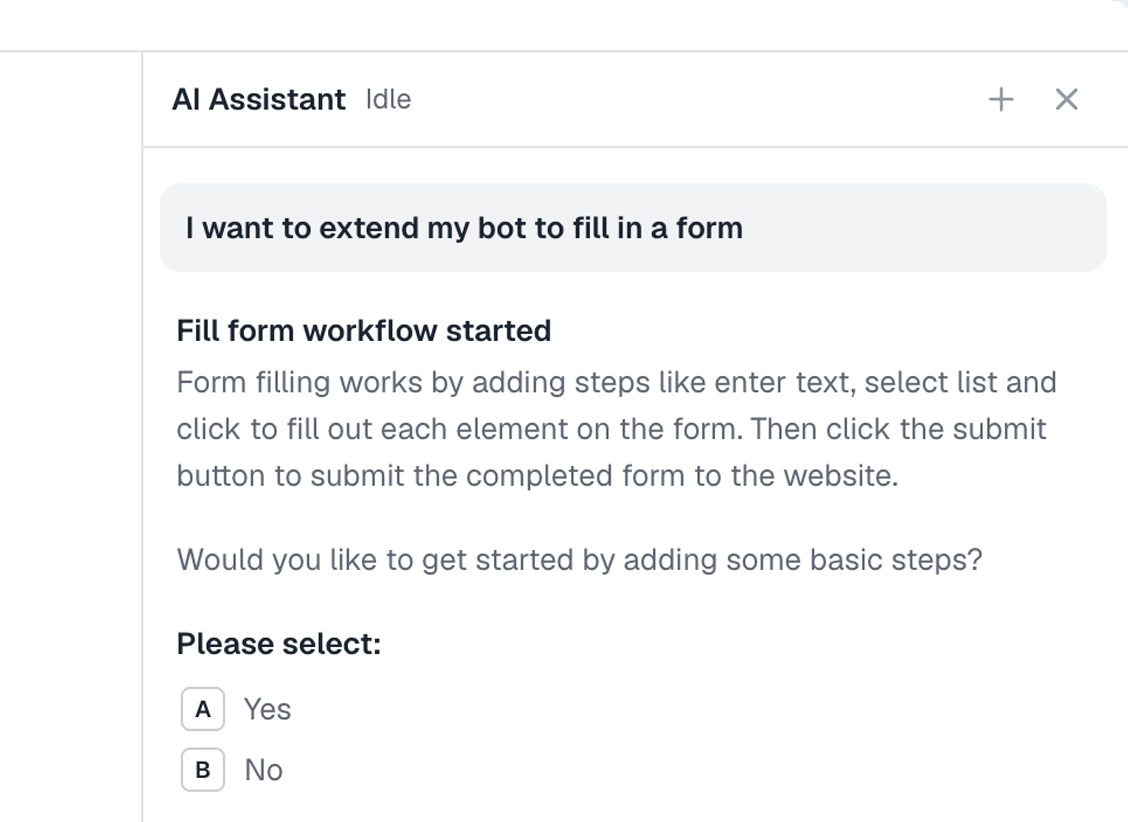
It opens the site in its own browser, finds the data you asked for, and writes the steps, with a pager if there is one.
Step 3
A full test run, with the rows in your sheet to check. It asks if it needs a login or a choice from you, then the bot is yours.

What the agent builds
Nothing hidden inside a model. Every step is laid out in the builder, so you can open it, change it, and run it again.
Read the walkthroughStep 1
Opens the page you named.
Go to page docsStep 2
Picks out the data you asked for, on every page of results.
Get data docsStep 3
Adds each item to your sheet as a new row.
Write to Google Sheet docsWatch
Three lines in, a working bot out. The agent opens the site, builds the steps, and test-runs them, in the Chrome extension.
Follow the walkthroughRun anywhere
Run it once, or schedule it so the sheet stays current. No agent in the loop, so every run costs the same and does the same.
FAQ
No. Tell the agent the site and the data you want in plain English. It builds the bot in the Chrome extension, tests it, and hands it over as ordinary steps you can open and change.
Any site you can use in Chrome: public pages, sites behind a login, web apps. The agent builds in a real browser, so if you can see the data, it can build a step for it. Sites that block automation need bot blocking mode or the CAPTCHA step, which the agent tells you about.
Yes. Say every page of results in your description and the agent adds the pager, so the bot works through them all.
Yes. Each run adds rows to the end of the sheet, or clears it first, whichever you choose in the Write data to a Google Sheet step.
The run fails and you get an alert with the step that broke. Hand the failed run to the agent and it repairs the bot, or open the step and fix it yourself.
Only while it builds. It reads the pages it needs in its own browser and keeps nothing. When the bot runs, there is no agent in the loop, so nothing but the bot touches the site.
Not if you schedule the bot in the cloud. Desktop runs use your own machine, so it needs to be on.
Yes. Try every feature free, the agent included. Your first 2 hours of bot runtime are on us, and you pay for runtime after that, not for the agent.
Fill your first sheet today.
Try every feature free, the agent included. Your first 2 hours of bot runtime are on us.