AI Auto Clicker
Describe what to click and axiom's AI builds the auto clicker for you, then helps you run and fix it. Start no-code, in code, or with a Claude skill.
What an AI auto clicker does
An AI auto clicker is a browser bot that clicks for you.
Describe what to click and how often, the AI builds the steps, and the bot opens the page and clicks, waits, and repeats, on an interval, through pagination, or down a list.
Where the AI actually helps
Mostly in the building. You describe the click in plain words and the AI lays out the steps to review before anything runs.
A no-code AI assistant is built into the extension, powered by Claude, so you can ask it to add the click, set the wait, loop the steps, or fix a selector that stopped matching.
The clicking itself is plain automation; the AI builds it and pins down the selector, it does not decide what is worth clicking.
Who this is for
Anyone doing the same click over and over.
Stepping through pagination, expanding every "load more" on a feed, clicking a confirm button on a schedule, or working down a column of buttons from a sheet.
How I'd approach it
Describe the click, say how long to wait and when to stop, and let Build with description lay out the first draft.
Run it once to check the target, set a sensible cap so it stops on its own, then let it repeat.
Build the auto clicker from a description
Describe the click in the Chrome extension and the AI builds the steps for you. Explore no-code.
An example is on the right. Describe the click and the AI lays out the steps.
Chrome extensionInstructions
- Go to the page14 / 500
- Find the load more button25 / 500
- Click it8 / 500
- Wait two seconds16 / 500
- Repeat twenty times19 / 500
Build the auto clicker in code
Build with code. Describe what to click to our Claude skill and it generates and debugs a ready-to-run script you own. Prefer to write it yourself? Explore the code tool.
axiom's step functions, the same library the no-code builder uses. The Claude skill generates and debugs the script for you, and it runs on our cloud Chromium.
Generate it with the Claude skill1import { AxiomApi } from "axiom-api";2 3const axiom = new AxiomApi(process.env.AXIOM_API_KEY);4 5await axiom.browserOpen();6try {7 await axiom.goto("https://example.com/feed");8 9 // Click "Load more" twenty times, pausing so each batch loads10 for (let i = 0; i < 20; i++) {11 await axiom.click('button[aria-label="Load more"]');12 await axiom.wait(2000);13 }14} finally {15 await axiom.browserClose();16}17 AI assistant, built in
An AI assistant helps you build the auto clicker.
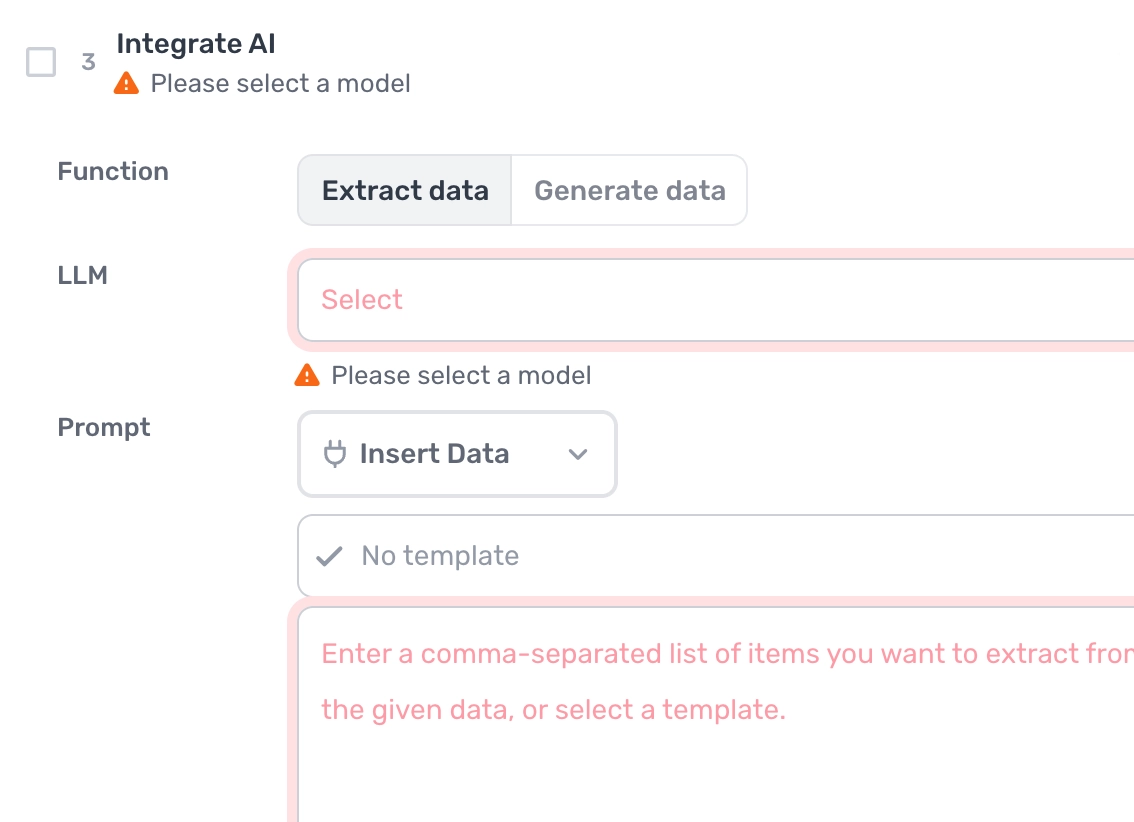
axiom's no-code AI assistant is built into the Chrome extension, powered by Claude. Describe what to click and it adds the click, sets the wait, loops the steps, and fixes selectors. Prefer to drive from Claude itself? The Claude skill builds it too.
What can the auto clicker handle?
Most clicking on most sites. A couple of cases worth knowing first.
Works well
- Clicking a button on a schedule or an interval
- Stepping through pagination, page after page
- Expanding 'load more' lists and feeds
- Clicking down a list of links from a sheet
- Accept, confirm, and dismiss dialogs
Harder
- Buttons inside an iframe (turn on iframe support)
- Elements that move or re-render as you click
- Sites with bot detection
- Clicks gated behind a CAPTCHA
Don't try
- Click fraud or fake ad clicks
- Inflating votes, views, or giveaway entries
- Anything against a site's terms
What I'd watch out for
Simple to build, but a few things trip it up.
Target the button with a custom CSS selector
A selector tied to a button's position breaks when the page shifts. In the selector tool, use a custom CSS selector, or match the button by its text, so it survives a redesign. For example:
button[aria-label="Load more"]
Add a wait so the click lands
Add a wait after each click, or the bot races ahead and clicks nothing before the page settles.
Set a cap on the repeat
Repeat with a Jump step (no-code) or a loop (code), and always set a maximum so the run stops on its own.
Iframe clicks need iframe support
If the button sits in an iframe, the selector shows in a different colour and the click won't land until you turn on iframe support. See how here.