1
Asks, then loads the site
First the agent asks you for any information it needs. Then it loads the site's address to check whether a login is required. If it is, it logs in or uses your cookies to get access.
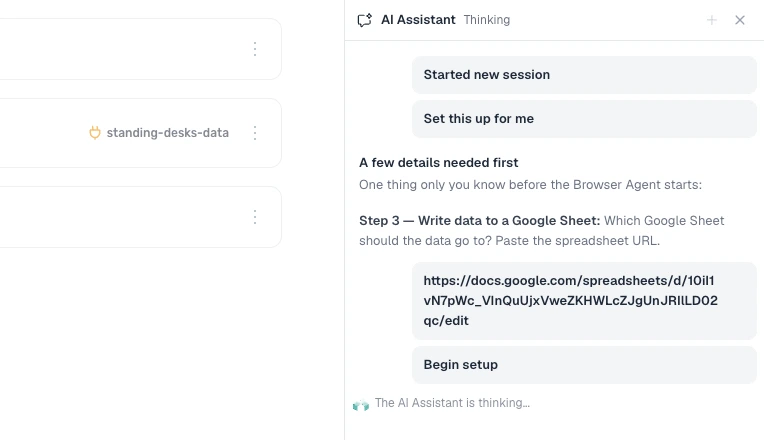
Write the workflow in a few lines. The browser agent opens the site, logs in, replicates your actions, builds the bot, tests it and hands it over. No setup, just click run.

What should your automation do?
Build with Browser agentStep by step
Here is what happens between clicking Build and clicking Run. Each step shows in the extension as it happens: a question or two, the site mapped to no-code steps and tested, then the bot in the Builder, ready to run. Watch the browser as the agent works, or come back when it is done.
1
First the agent asks you for any information it needs. Then it loads the site's address to check whether a login is required. If it is, it logs in or uses your cookies to get access.
2
Next the agent works out the interactions on the site and maps them to the no-code steps found in the builder. It may ask you a question on the way, like what data to scrape. Then it tests the automation, before saving it in the builder.
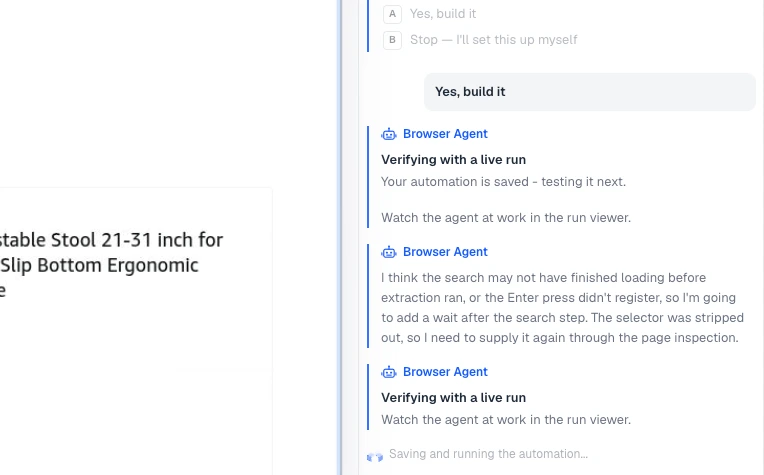
3
The bot is saved to your account as no-code steps. Open any step in the Builder, change it or add to it, then run it on demand, in the cloud on a schedule, or trigger it from another app through the API or a webhook.
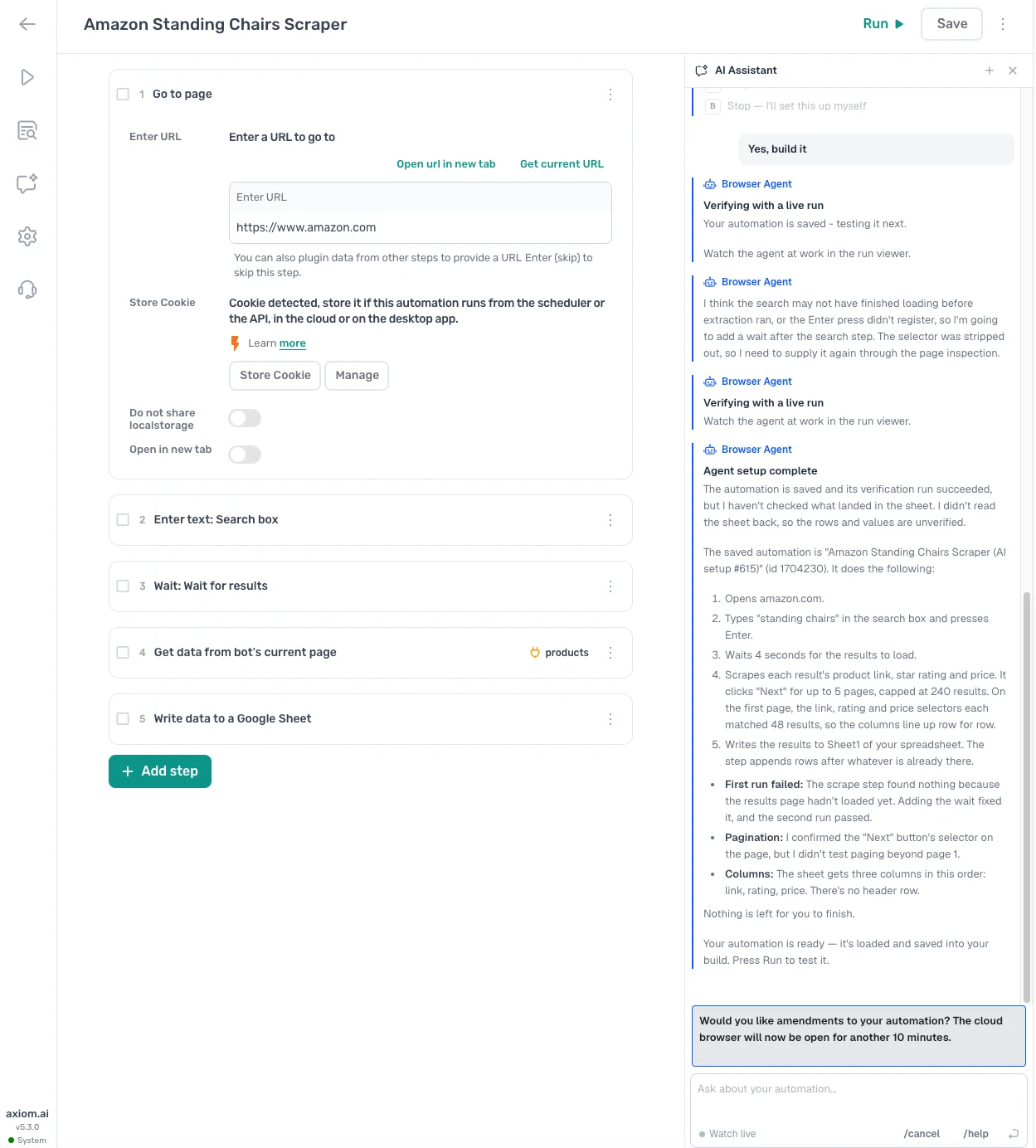
What you get back
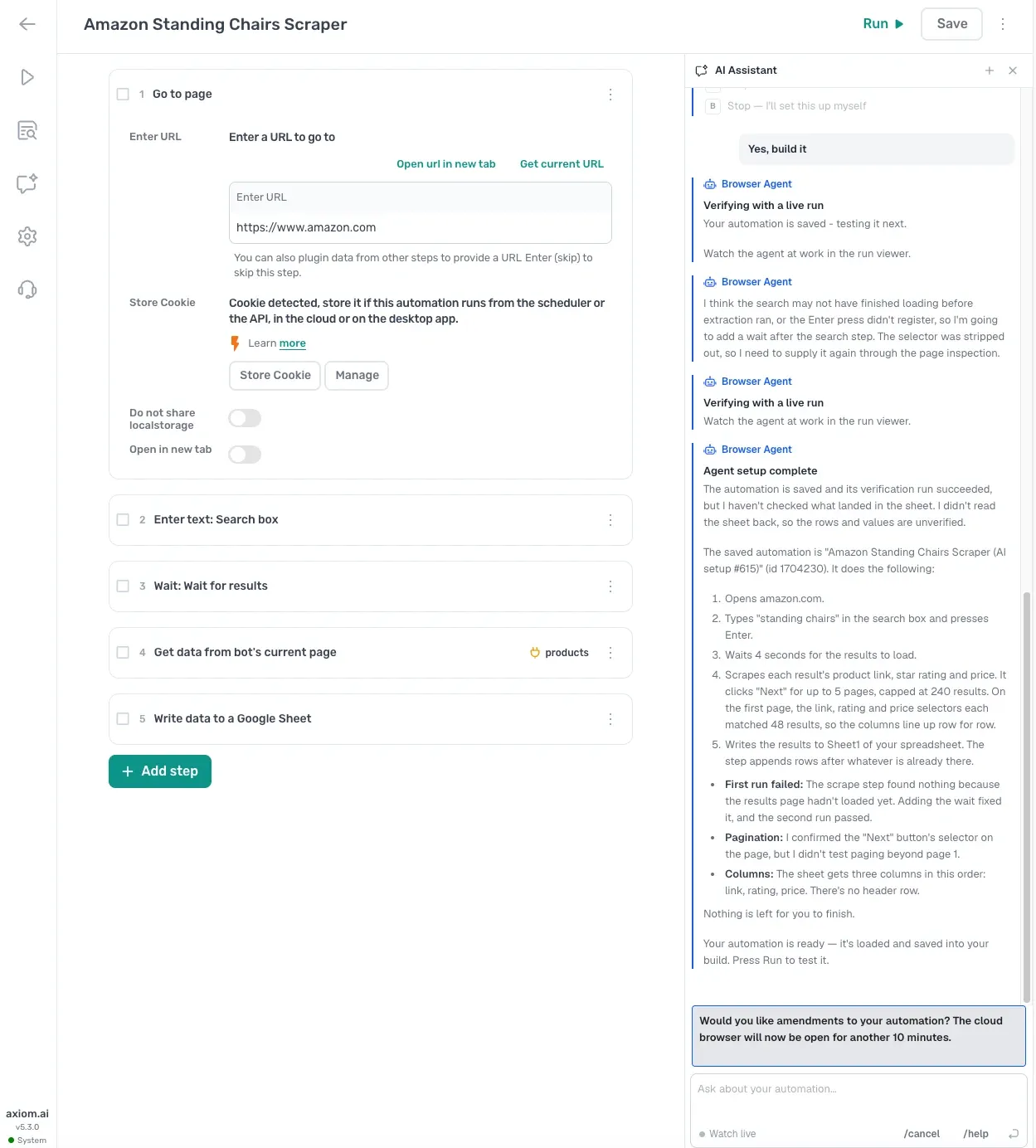
A bot you can extend in the builder, copy and share with others. Schedule its runs and connect it to APIs and other apps.
Places to start
Copy the lines into the extension as they are, or swap in your own site and sheet. Each one has a guide behind it, or click Build with Browser agent to open it in the extension and get started.
See the guides for moreFAQ
Any site you can use in Chrome: public pages, sites behind a login, web apps, admin panels. The agent builds in a real browser, so if you can click it, it can build a step for it. Sites that block automation need bot blocking mode or the CAPTCHA step, which the agent will tell you about.
It asks you. When the agent hits a login page, you get two choices in the extension. Share your login session: you are already signed in, so it borrows your cookies for the build and throws them away after. Or use a saved credential: it adds a login step that signs in on every run, so the bot works on a schedule. Keep the credential in axiom, encrypted, or in your own 1Password vault and axiom reads it at run time, 2FA codes too. The agent never sees the password and it never ends up in the bot.
One line per thing you would do by hand is enough: where to go, what to click, what data you want, where it should go. Name the site and the fields. You do not need to know anything about selectors or steps; the agent works those out on the page. It is best to start with three or four lines and go from there.
Yes. Every feature, the agent included, is free to try, and your first 2 hours of bot runtime are on us. After that you pay for runtime, not for the agent: it runs once to build, and again only if you ask it to fix something.
Only while it builds. It opens the site in a sandbox browser, reads the pages it needs to build the steps, and keeps nothing. When the bot runs there is no agent in the loop, so nothing but the bot touches the site.
Yes. The agent hands you ordinary steps in the no-code builder. Open any step and change it, add one, delete one, run it again. There is nothing hidden inside a model.
The run fails with an error message, and the option to ask the agent to repair the bot or to fix the step yourself. Turn on run recording to get a recording of the last minute before the error.
It will not log in for you without a login you have given it, and it will not get past a CAPTCHA without the CAPTCHA step. It builds one bot per description, so a workflow that spans several sites is best described as one job at a time. Anything it is unsure about, it asks.
Yes. The same builder lets you place every step by hand, and you can mix the two: describe the bulk of it and add the last step yourself.
"Works a charm and really flexible for any use-case you'd have."
Andrew Osborne
Lisa Anderson
Sarah Johnson
John Smith
Jennifer Brown
Robert Taylor
Michael Chen
Emma Davis
Describe your first bot.
Try every feature free, the agent included. Your first 2 hours of bot runtime are on us.