Scrape data from Fiverr
A Fiverr category is full of pricing signal, gig titles, prices, ratings, seller levels. A bot can read it off the public pages into a sheet, so a market scan is rows you can sort, not tabs you keep open. This is for the public gig listings, for research, not for chasing the sellers. There are three ways to start, with no code, with code, or with a Claude skill.
What I mean by scraping Fiverr
Scraping Fiverr means a bot reads the public gig listings into a sheet. The gig title, the starting price, the rating and review count, the seller's level, the link. Point it at a category or a search and it gathers the same fields across the results, so working out how a service is priced becomes a spreadsheet instead of a dozen open gigs.
Pricing a gig market
The useful thing on Fiverr is the pricing signal. What does this kind of work go for, what do the top sellers charge, where does a new seller sit, how does rating track with price. That is all on the public gig cards, and gathering it into a sheet is how you read a market instead of guessing at it.
Two honest notes. Fiverr's terms restrict scraping, so keep it to research at a reasonable pace. And this is about the gigs, not the sellers, scraping seller names and contacts to pitch them is outreach spam, not research. Read the public listings to understand the market, and leave the people alone.
Who this is for
This is for the person sizing up a Fiverr market. A seller pricing their own gig against the field, a buyer comparing options, a researcher mapping what a service costs. Public gig data, gathered up. If you are looking to harvest sellers for outreach, this is not the tool. No-coders and coders both, since you can build it without code and drop into code when you want.
How I'd approach it
Open the category or search you want to study. Have the bot read the gig title, price, rating, and seller level off each card into a sheet, then page through the results. Keep the pace reasonable, take the public fields, and skip anything that is about the seller as a person rather than the gig.
A category, public gig fields, into a sheet. I would lay out the first draft with Build with description.
Scrape Fiverr from a description
Describe the category in plain words in the Chrome extension and it builds the steps for you. Give it a few short lines, check what it made, and run it. Explore no-code.
To the right is an example. Describe the category and the fields you want, and the AI lays out the steps.
Chrome extensionInstructions
- Open the Fiverr category or search34 / 500
- Scrape the gig title and starting price39 / 500
- Grab the rating and review count32 / 500
- Grab the seller level and link30 / 500
- Write them to a Google Sheet28 / 500
Scrape Fiverr in code
Build with code. You do not have to write the script by hand. Describe the scrape to our Claude skill and it generates a ready-to-run Node script you own, then debugs it with you, fixing a selector that stopped matching or a step that stalls, until the run is clean. Prefer to write it yourself? Explore the code tool. Either way, the script looks like this.
These are axiom's step functions, the same step library that powers the no-code builder, available as code. Describe the scrape to the Claude skill and it generates and debugs this script for you. It runs on our cloud Chromium, with nothing to manage.
Generate it with the Claude skill1import { AxiomApi } from "axiom-api";2 3const axiom = new AxiomApi(process.env.AXIOM_API_KEY);4 5await axiom.browserOpen();6try {7 await axiom.goto("https://www.fiverr.com/search/gigs?query=logo%20design");8 const gigs = await axiom.scrape(".gig-card-layout");9 console.log(gigs); // write these to your sheet10} finally {11 await axiom.browserClose();12}13 Build with a Claude skill
Build no-code or code bots with a skill.
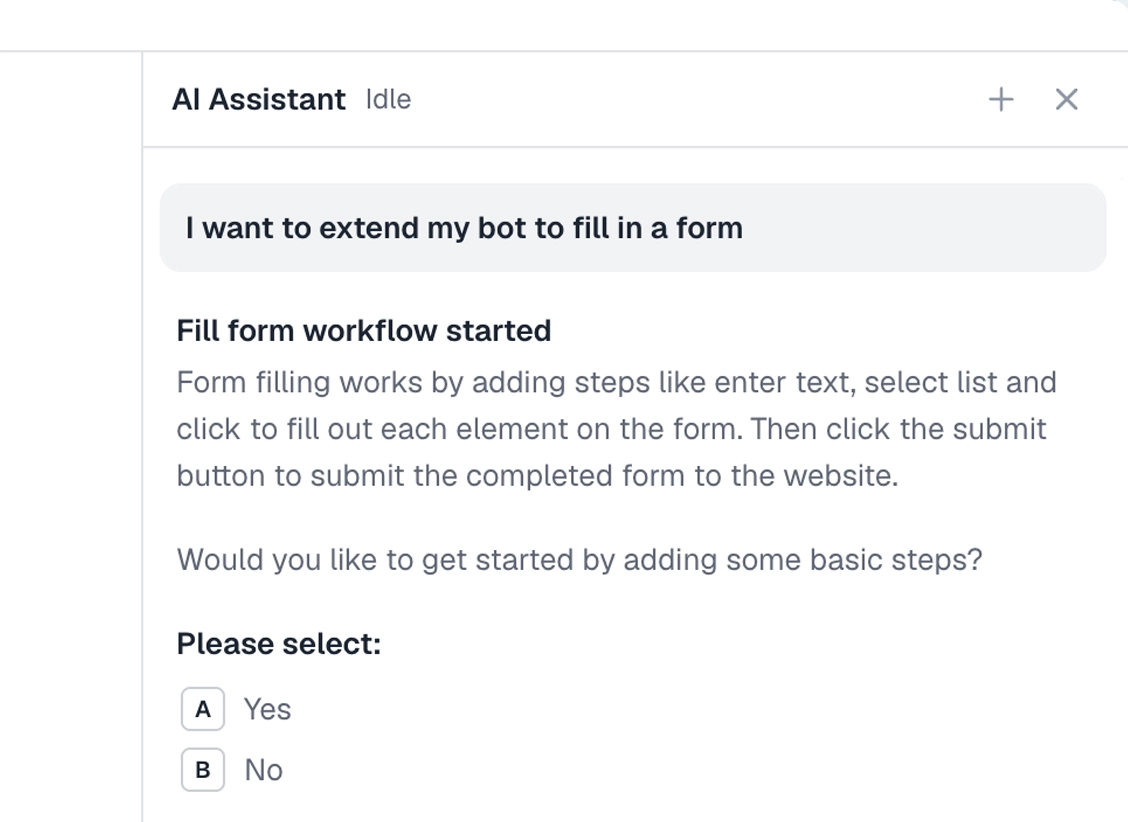
Add the Claude skill and describe the Fiverr category you want. It builds the bot for you, no-code or code, reading public gig listings into a sheet.
What can you scrape?
Public gig listings, into a sheet. A couple of lines to stay on the right side of.
Works well
- Gig titles and starting prices
- Ratings and review counts
- Seller levels and links
- A category across a few pages
- Comparing how a service is priced
Harder
- Cards that load as you scroll
- Layout changes after a redesign
- Very high volume, against the terms
Don't try
- Harvesting sellers for outreach
- Scraping personal contact details
- Anything against Fiverr's terms
What I'd watch out for
Fiverr's terms restrict scraping and the signal is in the gigs, so keep it focused. Here is what I would watch for.
Gigs, not sellers
Read the listings to understand the market, not to build a list of people to pitch. Seller contacts are personal data, and harvesting them is outreach spam, not research.
Keep it to research
Fiverr does not welcome heavy scraping, so keep it modest and for your own study of a market, at a reasonable pace.
Let the cards load
Results fill in as you scroll, so wait for the cards to appear before reading, or you will catch a half-loaded page.
Pick fields reliably
Gig cards change with redesigns, so pick what you read with the selector tool and check it holds across a few pages.