Automate Quora
Quora is a research goldmine and a research nightmare. The answers you want are buried in long threads, the feed reloads as you scroll, the topic pages don't paginate. axiom drives Quora in a real Chromium so you can pull the answers under a question, watch a topic feed for new posts, or schedule your own posts from a sheet. There are three ways to start, with no code, with code, or with a Claude skill.
What I mean by automating Quora
Automating Quora means a bot does the reading and writing you would otherwise do by hand in the browser. Scrolling through a question and capturing every answer. Watching a topic feed for posts that mention your competitors or your product. Pulling the answers a specific writer has posted. Or, less often, posting an answer of your own on a schedule from a sheet of drafts.
Quora doesn't publish a useful API. The browser is the only path, and an infinite-scroll feed plus a login gate is exactly the shape a browser bot handles well.
Reading the firehose isn't already solved
Quora has no developer API for reading answers or feeds. There's the Quora Partner Program for monetisation and Quora Ads, but neither lets you pull content. So if you want to track a topic, monitor a competitor, or collect answers for research, a browser bot is the only path that scales beyond manual copy-paste.
Posting is easier. You can post in a normal Chrome session. But doing it from a sheet, on a schedule, in a way that respects the per-day limits, is what makes a bot worth it.
Who this is for
This is for marketing teams tracking what's being said about a product on Quora. Researchers pulling answer data for a paper. SEO teams monitoring questions in their niche. Content teams scheduling answers from a content calendar. And for the developer who wants Quora data wired into a research pipeline.
How I'd approach it
Start by deciding read or write. They're different shapes.
For reading: pick the URL pattern you'll iterate over (question pages, topic feeds, writer profiles) and the data you want from each (answer text, author, upvote count, posted date). Build a step that scrolls until "Show more" stops appearing, then scrape the answers. Loop the URLs from a sheet.
For writing: load a saved session, paste the draft from your sheet, click Submit, then wait long enough that you're not posting at machine speed. Quora is sharp on machine-pattern detection.
Automate Quora from a description
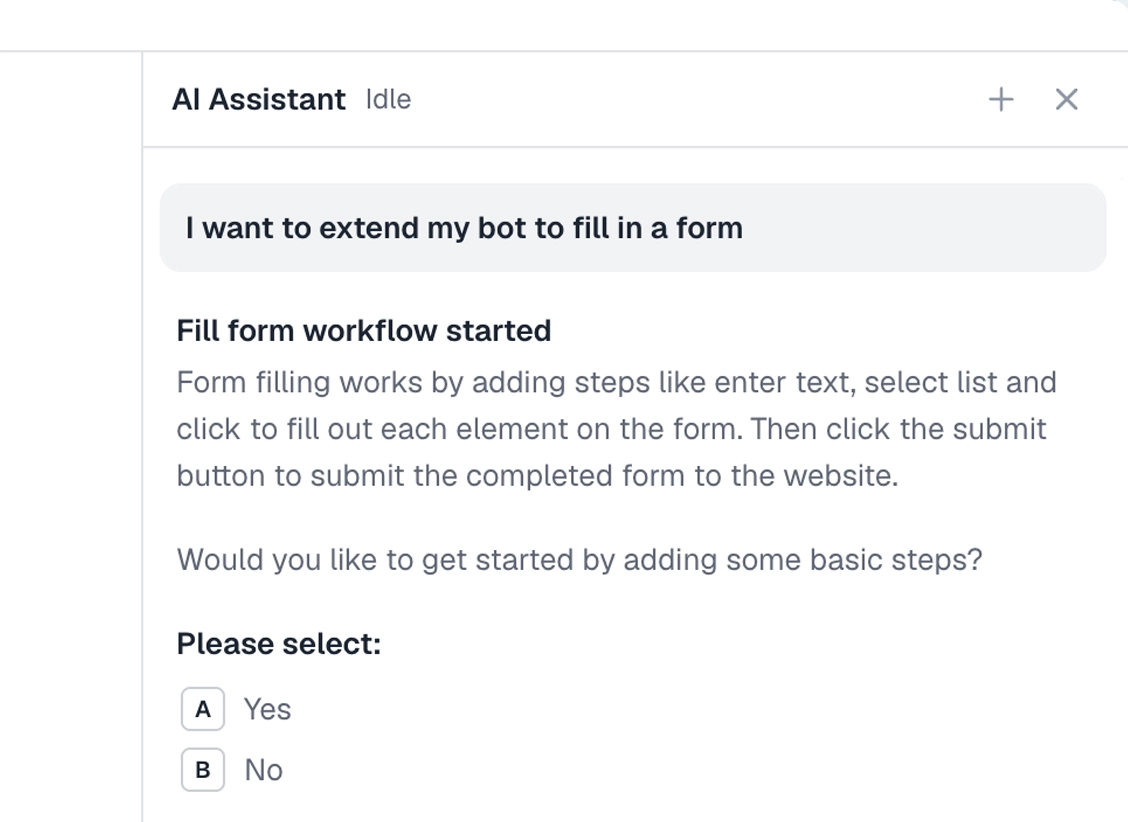
Describe the work in plain words in the Chrome extension and it builds the steps for you. Tell it the URL pattern and what to capture. Explore no-code.
To the right is an example. Describe the scrape and let the AI lay out the steps of your bot.
Chrome extensionInstructions
- For each Quora question URL in my Google Sheet, open it55 / 500
- Scroll to the bottom until no new answers load46 / 500
- For each answer block, capture the text, author, and upvote count65 / 500
- Append the rows to a results tab in the sheet45 / 500
- Move to the next URL20 / 500
Automate Quora in code
Build with code. You do not have to write the script by hand. Describe the scrape to our Claude skill and it generates a ready-to-run Node script you own, then debugs it with you, fixing a selector that stopped matching or a step that stalls, until the run is clean. Prefer to write it yourself? Explore the code tool. Either way, the script looks like this.
These are axiom's step functions, the same step library that powers the no-code builder, available as code. Describe the scrape to the Claude skill and it generates and debugs this script for you. It runs on our cloud Chromium, with nothing to manage.
Generate it with the Claude skill1import { AxiomApi } from "axiom-api";2 3const axiom = new AxiomApi(process.env.AXIOM_API_KEY);4 5// Each question URL would come from your Google Sheet6const questions = [7 "https://www.quora.com/What-is-the-best-no-code-tool",8 "https://www.quora.com/How-do-I-automate-web-scraping",9];10 11await axiom.browserOpen();12try {13 for (const url of questions) {14 await axiom.goto(url);15 await axiom.wait(3000); // let answers load16 const answers = await axiom.scrape('[class*="Answer"]');17 console.log(url, answers); // write to your sheet18 }19} finally {20 await axiom.browserClose();21}22 Build with a Claude skill
Build no-code or code bots with a skill.
Add the Claude skill and describe the Quora work. It builds the bot for you, no-code or code, handling the scroll, the scrape, and the column mapping.
What can you automate on Quora?
Most of the click and scroll work. A couple of cases worth knowing first.
Works well
- Scraping answers from a question page
- Tracking a topic feed for new posts
- Pulling a writer's recent answers
- Capturing question titles in a niche
- Posting answers from a sheet on a generous schedule
Harder
- Long threads with hundreds of answers (scroll patience required)
- Spaces and group-specific gating
- Anything below the login wall on logged-out runs
Don't try
- Posting at machine speed (Quora will flag the account)
- Mass-DMing users
- Anything against Quora's terms of service
What I'd watch out for
Quora is a fine site for a bot but a few things will bite if you don't plan for them.
The class names shift
Quora's CSS class names are auto-generated and change every few months. Match on stable signals (the link to a profile, an aria attribute, the upvote button's accessible name) rather than the class.
Infinite scroll never ends
The feed will load forever if you let it. Set a "no new answers after N scrolls" exit so the bot stops on its own.
Watch posting cadence
A bot posting answers needs spacing. One every few hours is fine; one every minute is account-suicide. The fastest way to lose an account is to look like a machine.
Sign-in state matters
A logged-out scrape sees a stripped-down version. If you want full answer text and metadata, run signed-in. Capture the session cookies once and load them into the run.