Claudeaxiom

Build in Claude Code, Cursor or VS Code.

Install the skill to build browser automations in Claude. Add the MCP server and the skill builds, configures and tests the automation agentically. It grabs selectors from your live page and drives the Step and Orchestrate APIs.

Build and run coded and no-code browser bots with axiom.ai

Get started

From install to your first bot in six steps.

Set up Claude Code with the axiom skill, then build and run your first bot. Same flow whether you're going no-code or code.

Step 1

Install Claude Code

See Anthropic's installation guide. The CLI is required for these install steps. /plugin slash-commands aren't available in the VS Code extension yet, but day-to-day building works in VS Code once the plugin is installed.
See Anthropic's install guide

Step 2

Add the axiom skill

Open a Claude Code session and submit each command as its own message. Pasting more than one at a time concatenates them and git rejects the URL.

/plugin marketplace add git@github.com:axiom-browser-automation/claude-skill.git
/plugin install axiom@axiom-skills
/reload-plugins

Step 3 (optional)

Switch to VS Code

Once installed, the plugin and your settings are shared with the Claude extension for VS Code. Day-to-day building is smoother there. Sign in with the same account and the skill activates automatically when you ask Claude to build an axiom in any project.

Claude for VS Code

Step 4

Create an account

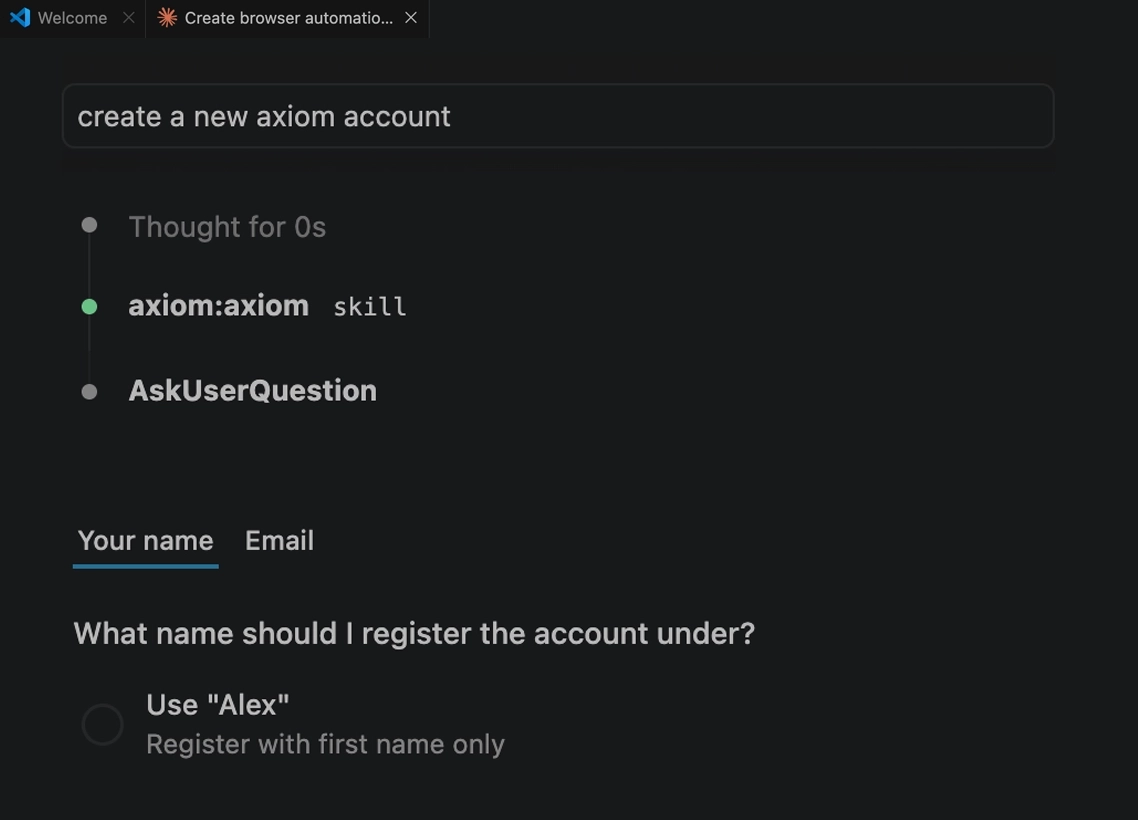
No account? No problem. Create one right in the CLI as you build. We mint a fresh API key and set you up automatically.

Create account

Step 5

Select bot type

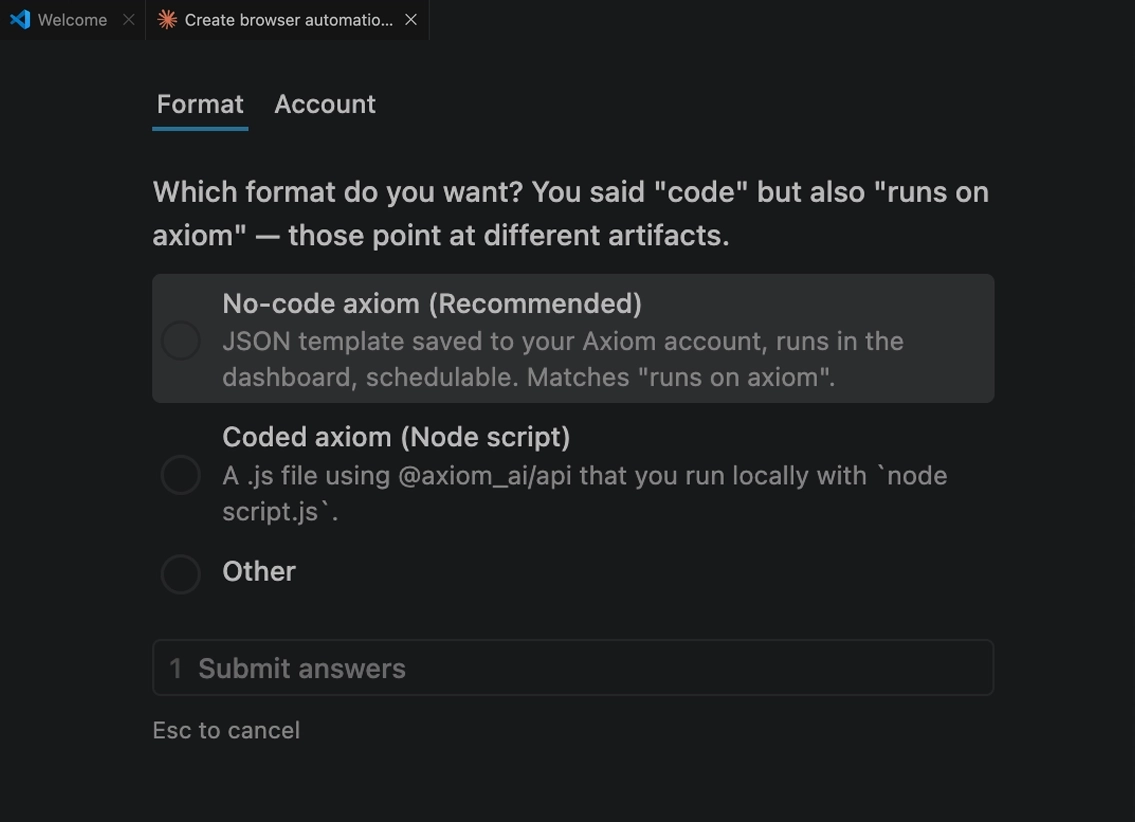
Code a bot in VS Code or any other tool, or let the skill craft a no-code bot you can upload to our platform.

Choose to build a coded or no-code bot

MCP server New

Web access for the skill and your agent.

The desktop app ships an MCP server. It gives the skill and your agent a browser and our APIs. Without it the skill builds from your description. With it, from your real site.

Read the MCP docs

Set it up from the desktop app

Open the tray menu, choose Set up Claude MCP, paste your API key. It writes the config for Claude Desktop, Claude Code and Cursor. Restart the client.

Install the desktop app

Any MCP client

Anything else that speaks MCP, point it at the binary with your key in env.

{
  "mcpServers": {
    "axiom": {
      "command": "/Applications/AxiomDesktop.app/Contents/MacOS/axiom-mcp",
      "env": { "AXIOM_API_KEY": "your-api-key-here" }
    }
  }
}

Full agent access

The skill grabs selectors off your live page, calls the Step API, and orchestrates runs. It builds, configures and tests the automation.

Stdio only

It talks to the client that launched it over stdin and stdout. Nothing listens on the network, and it acts only on the account that owns your key.

Quickstart

A first automation in 30 seconds.

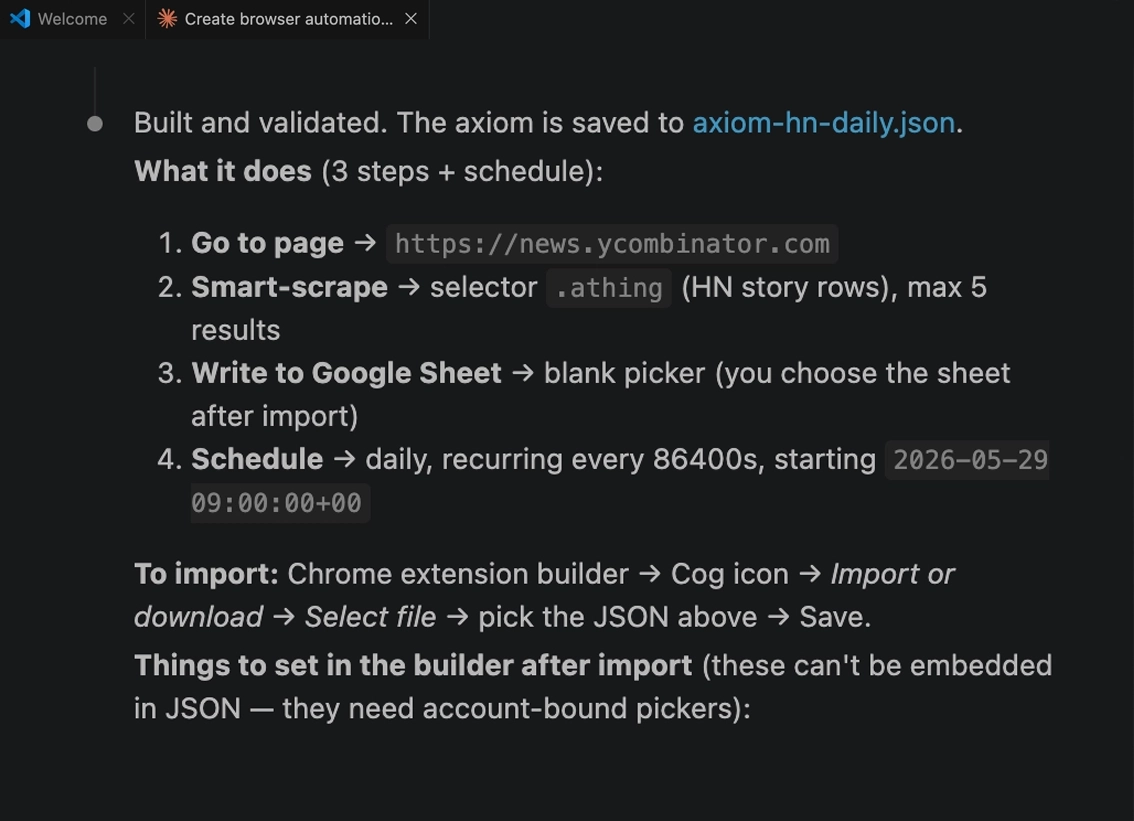
Create a simple no-code bot in as little as 30 seconds, then upload it to our Chrome extension to run.

Prompt

Paste this into Claude select no-code

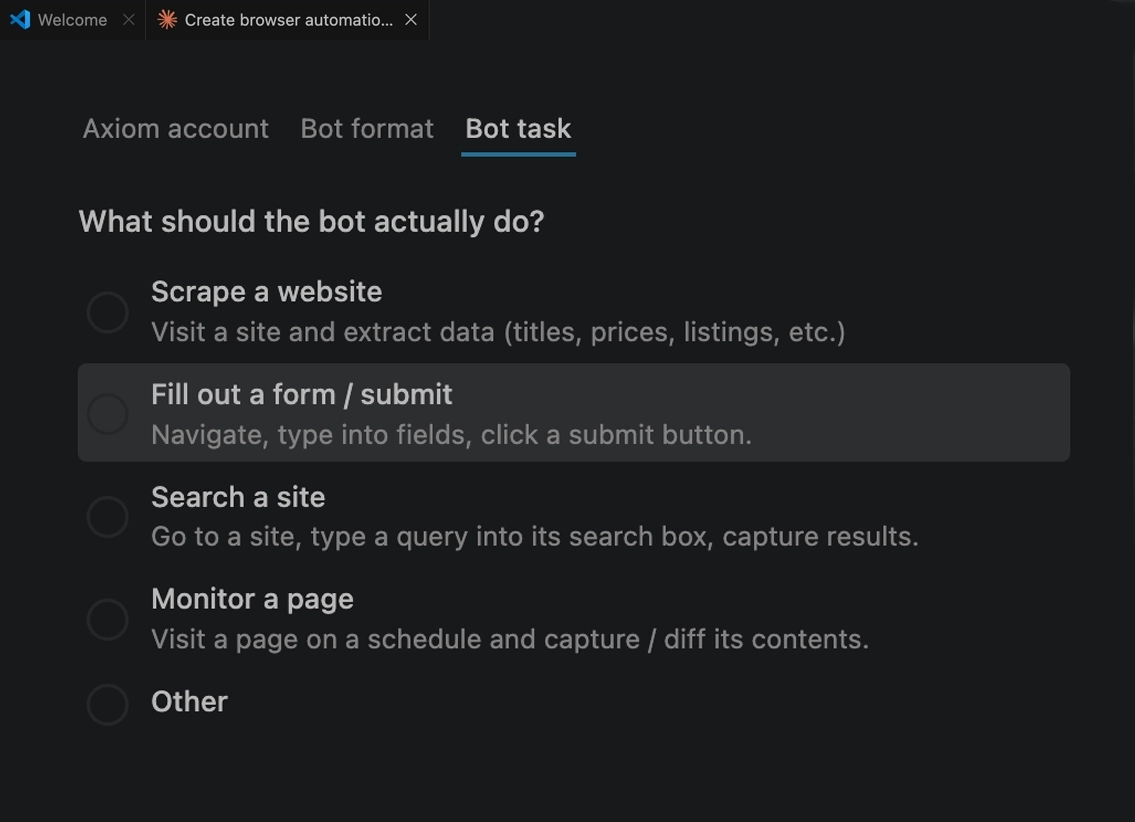
Simply answser the AI's questions, then upload the JSON file it generates to our chrome extension in order to run. Upload API end point coming soon.

Build me an axiom that visits https://news.ycombinator.com every morning at 9am,
scrapes the top 5 stories, and writes them to my Google Sheet.
Claude creating a web scraper using axiom
Web scraper made in under 30 seconds

Ready to install the skill and make automations in Claude Code?

Free to start. No credit card.