Scrape YouTube search results for every search term in a Google Sheet
How to scrape YouTube search results for every search term in a Google Sheet: install the Chrome extension, click Build from description, tell the agent what you want, and follow its prompts. A working bot is built and tested in minutes.
Here is how the automation works. To scrape YouTube for a list of search terms, read the terms with Read data from a Google Sheet and loop through them with Loop through data. For each term, a Go to page step opens the YouTube search for it, a Get data from bot's current page step reads the title and link of the first 10 videos, an Append or merge data step puts the term beside each row, and a Write data to a Google Sheet step adds the rows to a second tab. Ten shows, ten topics, ten competitors: one run gives you a tab of links with the term that found each one.
Build the YouTube search scraper from a description
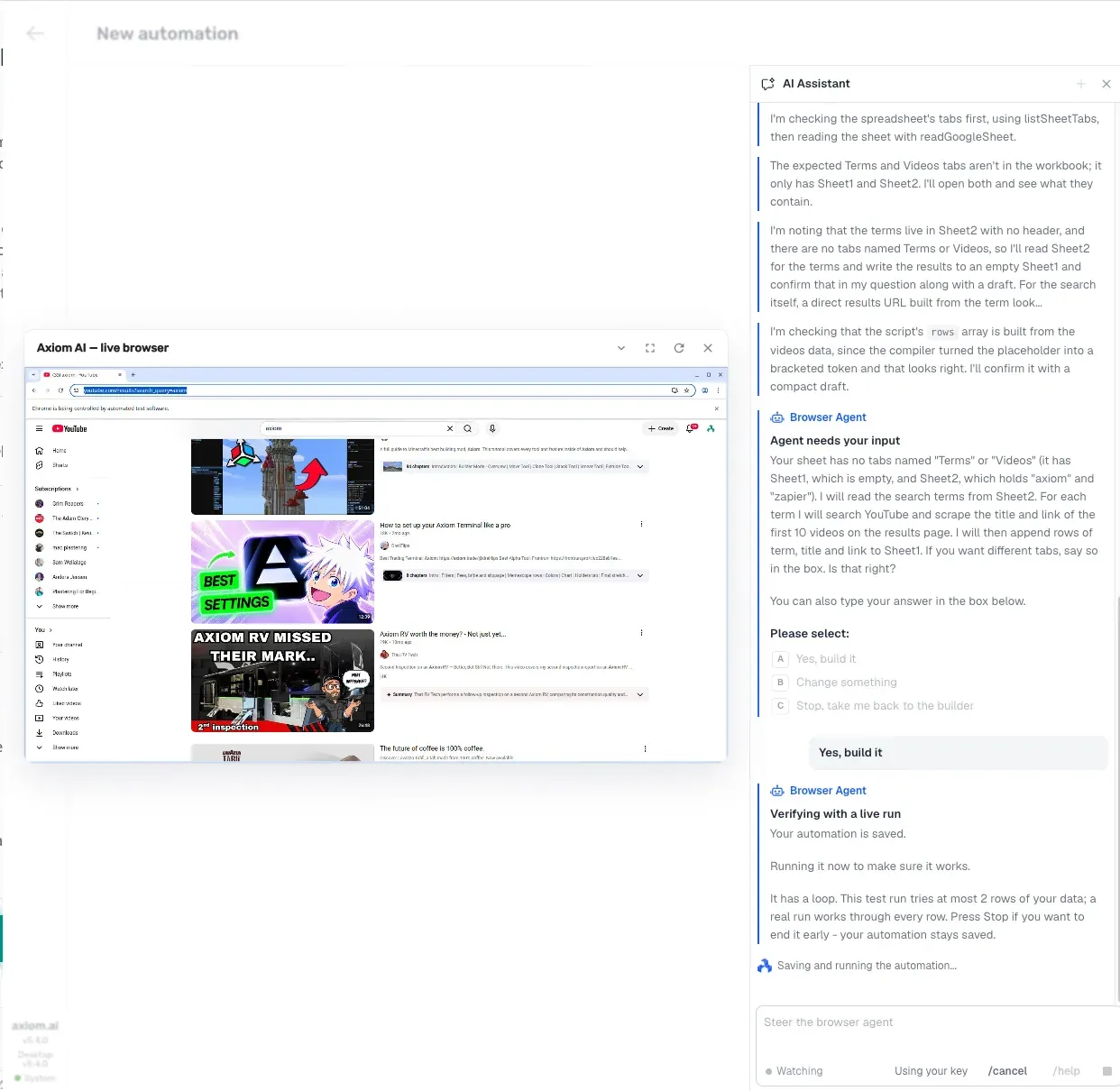
Describe it and click the button: the agent builds and tests the scraper in your Chrome extension. YouTube search results are public, so no login is needed.
- Read search terms from my Terms tab
- Search YouTube for each term
- Scrape the title and link of the first 10 videos
- Write them to my Videos tab with the term
You need a Google Sheet with two tabs: Terms, one search term per row in column A with no header, and Videos, empty. The run adds ten rows per term to the Videos tab.
Build the YouTube search scraper step by step
The steps the agent builds, as the Builder shows them: each step by its name, with the fields to set under it. Add them yourself in this order in the step-by-step builder, or open the agent's result there to adjust it.
- 1.0
Read data from a Google SheetSpreadsheet: your sheetSheet name: Terms
- 2.0
Loop through data- repeats for every row in
[google-sheet-data]
- 2.1
Go to pageURL: https://www.youtube.com/results?search_query= followed by the term column of the row
- 2.2
Get data from bot's current pageSelect: each video's title and its linkMax results: 10
- 2.3
Append or merge dataData A: the term column of the rowData B:[scrape-data]Append mode: Horizontal
- 2.4
Write data to a Google SheetSpreadsheet: your sheetSheet name: VideosDATA:[appended-data]Write options: Add to existing data
- repeats for every row in
Common questions about scraping YouTube search results
How do I know which search term found each video?
The Append or merge data step writes the term in the first column of every row, with the title and link beside it, so the Videos tab can be filtered by term. For the ten most watched videos per term rather than the ten most relevant, sort a search by view count with YouTube's Filters and use that address in Go to page, with the term in place of the words you typed.
How do I scrape more than 10 YouTube search results per term?
Raise Max results on the Get data from bot's current page step. YouTube has no page numbers; the scraper scrolls to load more results until it has the number you set, so 50 or 200 per term works, slower.
How do I get the channel, view count and upload date too?
Add them as columns in the Get data from bot's current page step: the channel name, the views text and the age text under each title. They are written to the Videos tab beside the title and link.
Can I scrape a YouTube channel's videos or a playlist instead of a search?
Yes. Put the channel or playlist addresses in the Terms tab instead of search terms and set URL on Go to page to the column itself; the same scrape step reads the titles and links there.
Can I scrape YouTube search results into a CSV or Excel file instead?
Yes. Replace Write data to a Google Sheet with Export to CSV for a file on your computer, as in scrape links from a website into a CSV file.
Can I scrape YouTube search results without code?
Yes. The automation is built from the four lines above with no code; every step is picked from the builder.
Can I run the YouTube scraper on a schedule?
Yes. Set a schedule on the automation and it runs in the cloud at the time you set, adding that day's results for every term under the last run's rows.
Where do I get help?
Get in touch with support, or ask in the axiom.ai community.
Related guides
Scrape YouTube for GTA 6 videos into a Google Sheet
- Go to the YouTube search page
- Input the GTA 6 search terms from my Google Sheet
- Scrape the video title, link and streaming data
- Write to my Google Sheet with the search term
Scrape Instagram post links for every search term in a Google Sheet
- Read the search terms from my Terms tab
- Search Instagram for each term
- Collect every post link on the results
- Write them to my Posts tab and delete the term
Scrape Facebook Marketplace for every search term in a Google Sheet
- Read search terms from my Terms tab
- Skip the terms that already have a date
- Search Facebook Marketplace for each term
- Scrape the title, price and link of each listing
- Write them to my Listings tab
- Write today's date next to the term